
Intégration HubSpot LinkedIn
Connecter LinkedIn à HubSpot
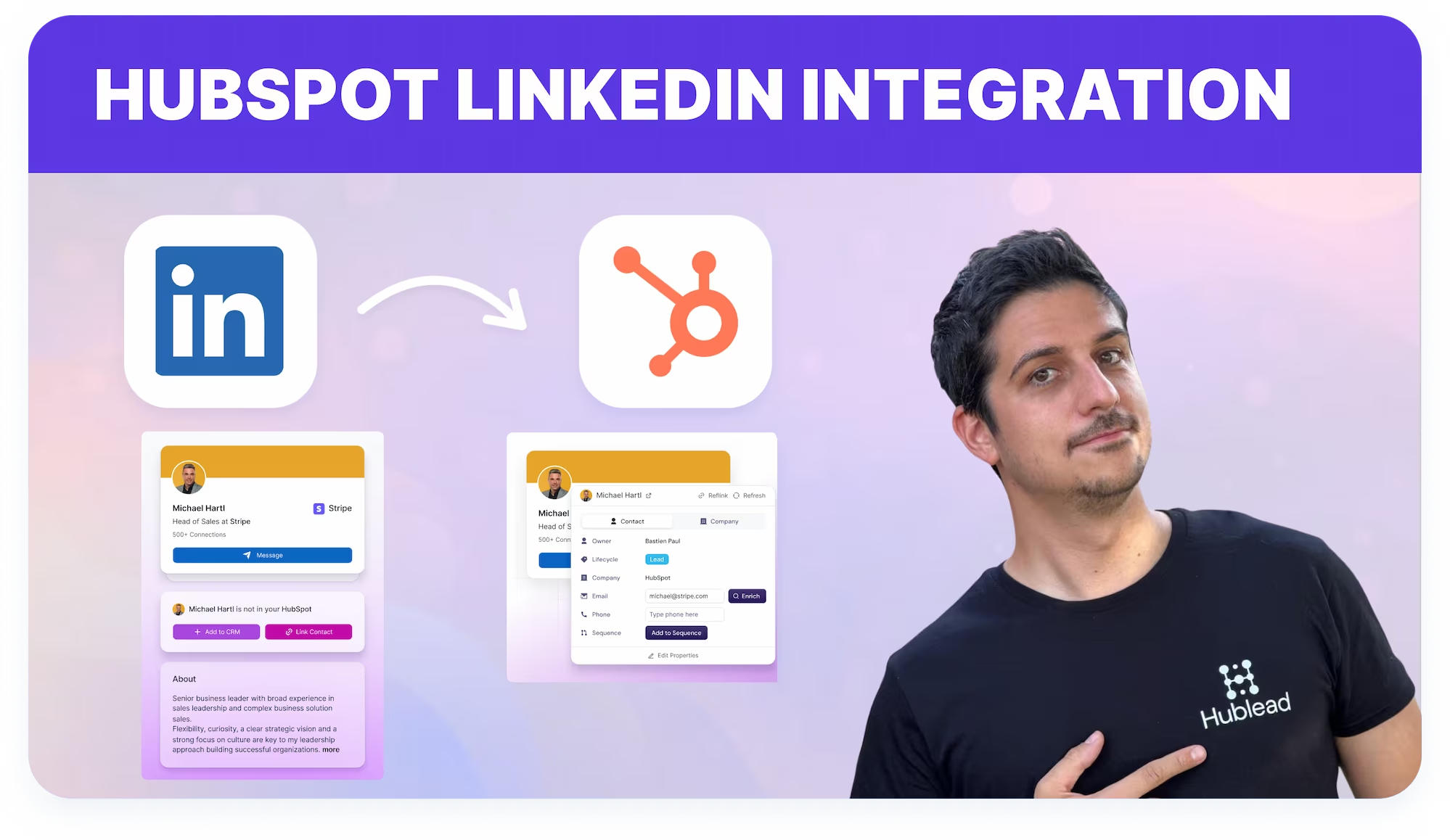
Connecte LinkedIn à HubSpot sans effort grâce à Hublead. Importe contacts, messages et connexions instantanément, sans doublons ni onglets.

Loved by 8,000+ Users













Average sales rep saves 8+ hours/week
Connecte LinkedIn à HubSpot pendant ta prospection
Travaille sur LinkedIn et envoie contacts, messages et activité directement dans HubSpot, en réduisant le CRM manuel et les changements d'onglet.
Extension Chrome pour LinkedIn et HubSpot
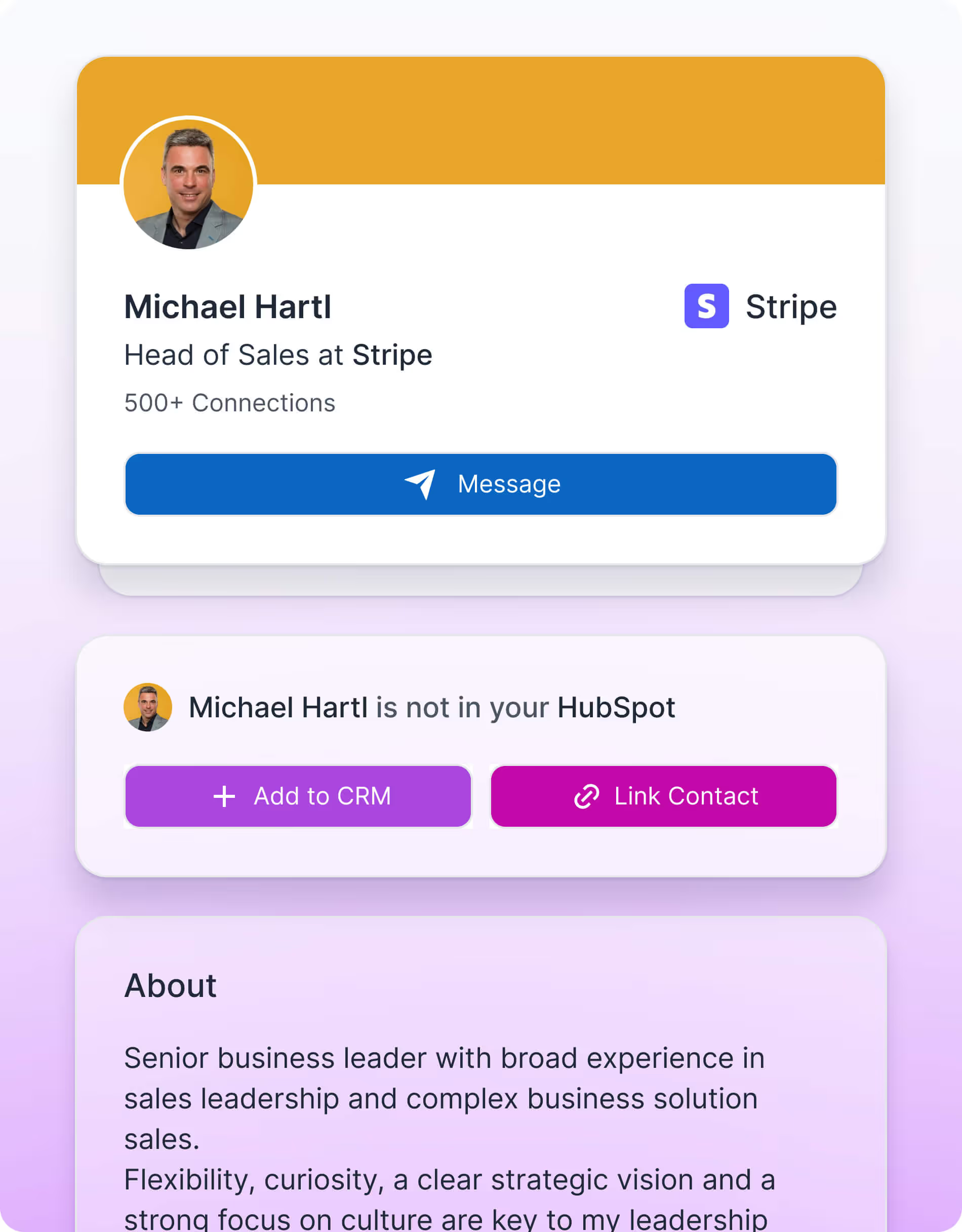
Contrôle la liaison et l'enrichissement des contacts HubSpot directement depuis les profils LinkedIn via Chrome.

Mesure l'efficacité de ta prospection
Laisse les Commerciaux prospecter sur LinkedIn pendant que HubSpot capture l'historique d'engagement une fois les contacts liés.

Travaille depuis LinkedIn, pas depuis le CRM
Laisse les Commerciaux prospecter sur LinkedIn pendant que HubSpot capture l'historique d'engagement une fois les contacts liés.
Conçu pour simplifier ton workflow LinkedIn
What HubSpot userssay about Hublead
Discover how sales professionals use Hublead to cut manual work, stay focused on LinkedIn, and turn more conversations into booked demos.
Connexion instantanée LinkedIn–HubSpot
Hublead connecte LinkedIn et HubSpot via une extension Chrome avec une simple autorisation. Aucune clé API, export CSV ou configuration technique n'est nécessaire pour commencer à synchroniser les données.
Essayer Hublead gratuitement
Enregistrement automatique de l'activité LinkedIn
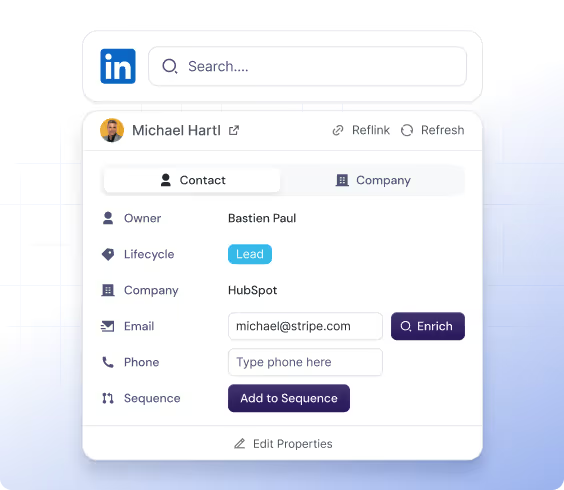
Hublead enregistre les événements LinkedIn Outbound clés (connexion envoyée, connexion acceptée, message envoyé, message reçu) directement sur les timelines des contacts HubSpot pour une visibilité totale.
Essayer Hublead gratuitement
Workflow CRM centré sur LinkedIn
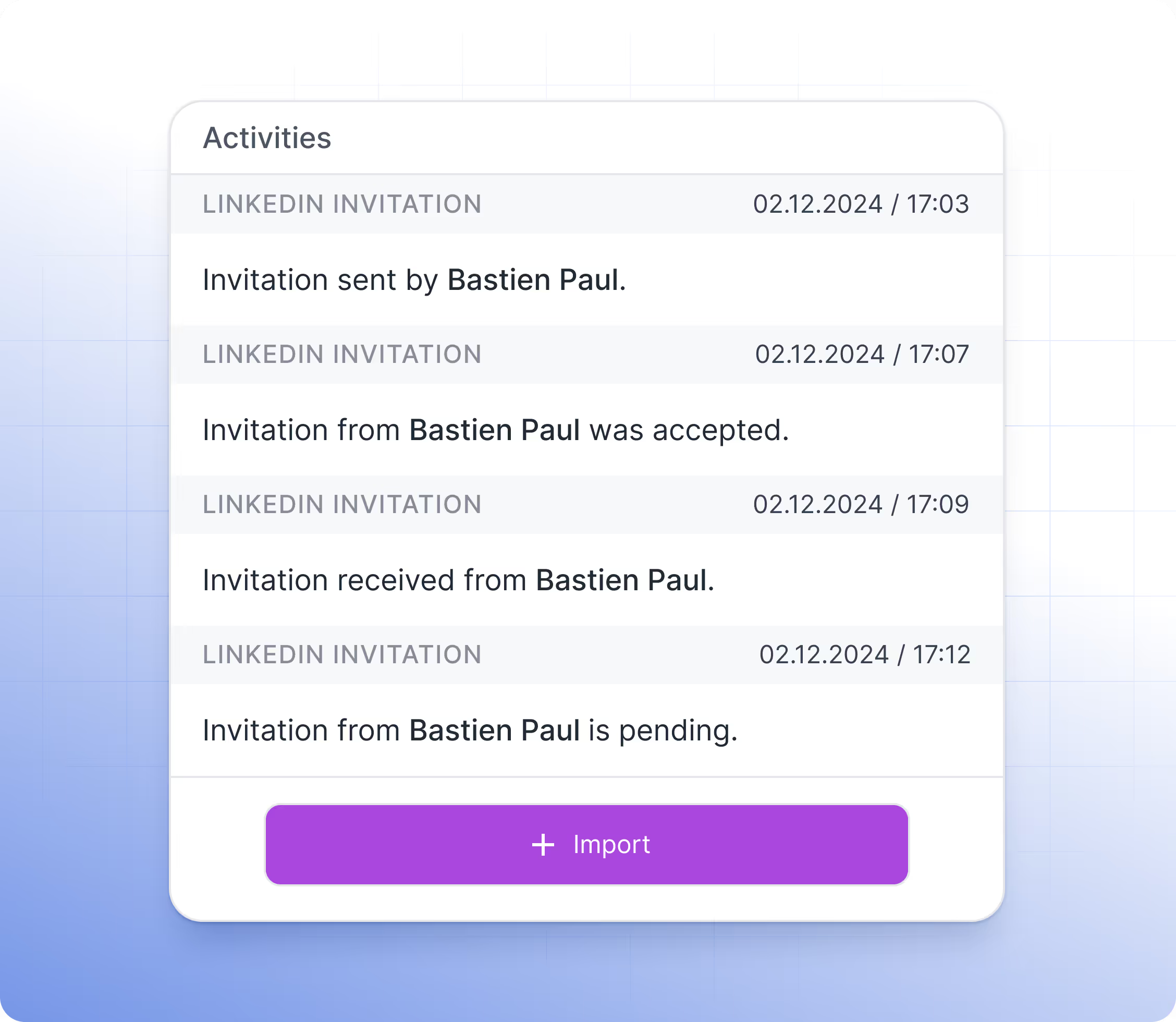
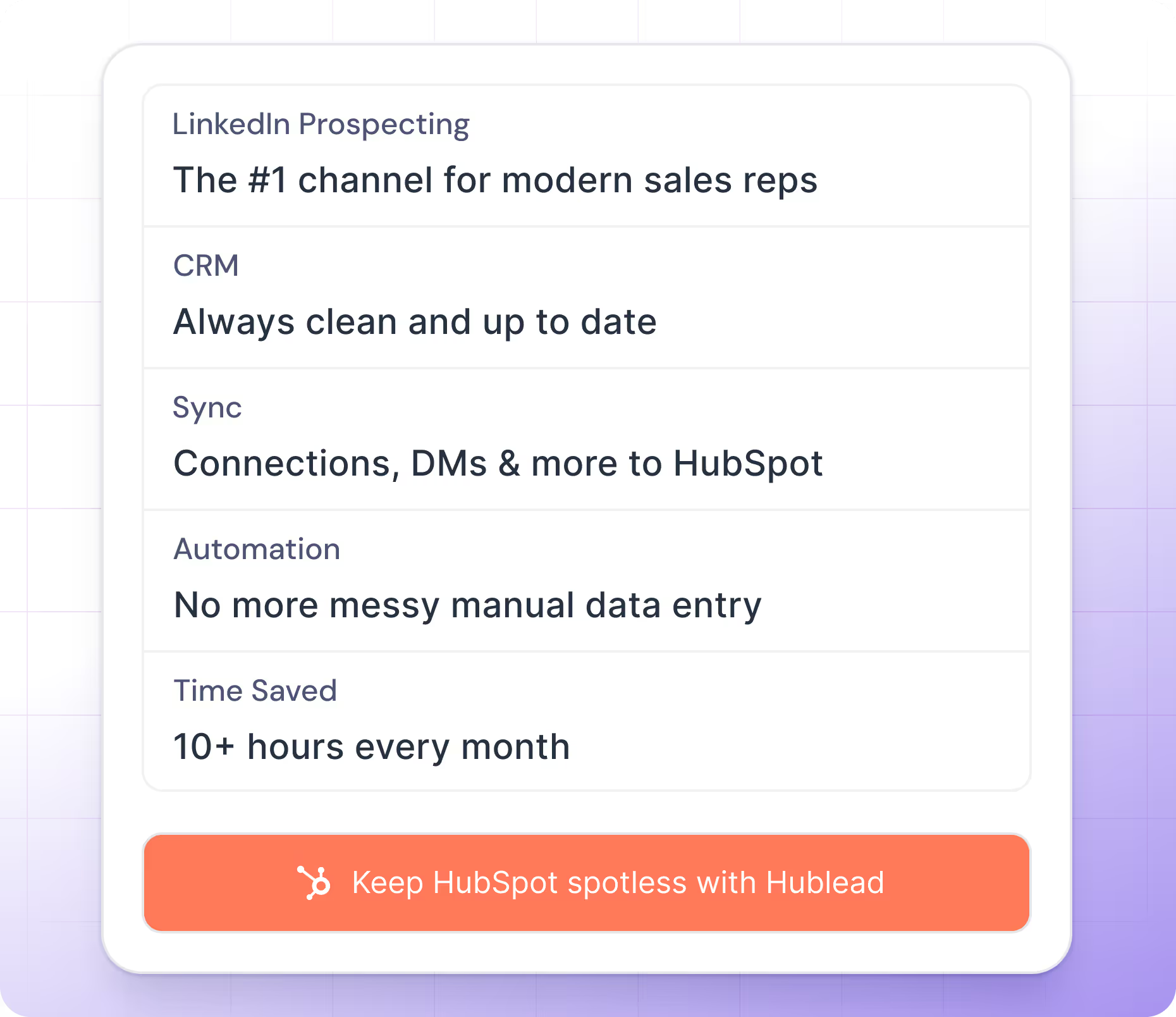
Les Commerciaux prospectent directement sur LinkedIn pendant que Hublead met à jour HubSpot une fois les contacts liés, ce qui réduit les changements de contexte et minimise la saisie manuelle dans le CRM.
Essayer Hublead gratuitement
Hublead connects HubSpot to LinkedIn easily
No more guessing who you messaged last week or last month. That’s why you use a CRM to stay organized.
Hublead automatically imports all LinkedIn activities (messages and invitations) into HubSpot, so you can track every lead and turn conversations into revenue without losing time
Essayer Hublead gratuitement


Trusted by 7k+ users!
And what our users are saying
Hublead is a Chrome extension for adding prospects, logging conversations, and enriching LinkedIn contact data. No duplicates, just pure prospecting.
Frequently Asked Questions
Connecter LinkedIn à HubSpot
Pas besoin d'apprendre un nouvel outil, Hublead est intégré directement dans ta navigation LinkedIn pour t'aider à rester organisé et à maximiser tes efforts de prospection.
Quelles informations Hublead importe-t-il quand j'ajoute un nouveau contact ?
En cliquant sur notre bouton « Ajouter au CRM », tu importes directement le contact LinkedIn dans HubSpot et synchronises les informations suivantes : Prénom, Nom, URL LinkedIn, Titre du poste, URL du site web, Ville, Pays/Région et Langue.
Puis-je utiliser ma propre propriété URL LinkedIn ?
Oui ! Nous utilisons par défaut la propriété « LinkedIn URL », mais tu peux remapper ce champ.
Hublead prend-il en charge LinkedIn Recruiter ?
Non, nous ne prenons pas en charge ce forfait de LinkedIn.
Hublead fonctionne-t-il avec tous les forfaits LinkedIn Sales Navigator ?
Oui, Hublead prend en charge tous les forfaits LinkedIn Sales Navigator (Core, Advanced et Advanced Plus).
Ai-je besoin de LinkedIn Sales Navigator pour utiliser Hublead ?
Non, LinkedIn Sales Navigator n'est pas nécessaire.
J'ai déjà une URL LinkedIn personnalisée, Hublead en tient-il compte ?
Tu peux utiliser ton URL LinkedIn personnalisée en la modifiant dans le tableau de bord. Par défaut, nous utilisons une propriété nommée « LinkedIn URL ».
Hublead peut-il envoyer des messages LinkedIn depuis HubSpot ?
Non, ce n'est pas possible pour le moment.
Hublead fonctionne-t-il sur Safari ?
Oui, mais le portage est géré par Safari — Hublead garantit uniquement le support sur Chrome.
Puis-je utiliser Hublead sur iPad ?
Non, Hublead n'est pas disponible sur iPad. L'application Chrome sur iOS ne prend pas en charge les extensions Chrome.
Quel forfait dois-je choisir ?
Nos forfaits sont conçus pour différents types d'entreprises et de besoins — les offres Hublead s'adaptent à toutes les tailles d'organisation.
Les données de Hublead sont-elles conformes au RGPD et au CCPA ?
Oui, nos données respectent pleinement les exigences du RGPD et du CCPA.
Vous intégrez-vous à d'autres CRM que HubSpot ?
Nous intégrons uniquement HubSpot pour l'instant, et nous préférons nous y concentrer !
Est-il possible de synchroniser automatiquement les conversations LinkedIn sur HubSpot ?
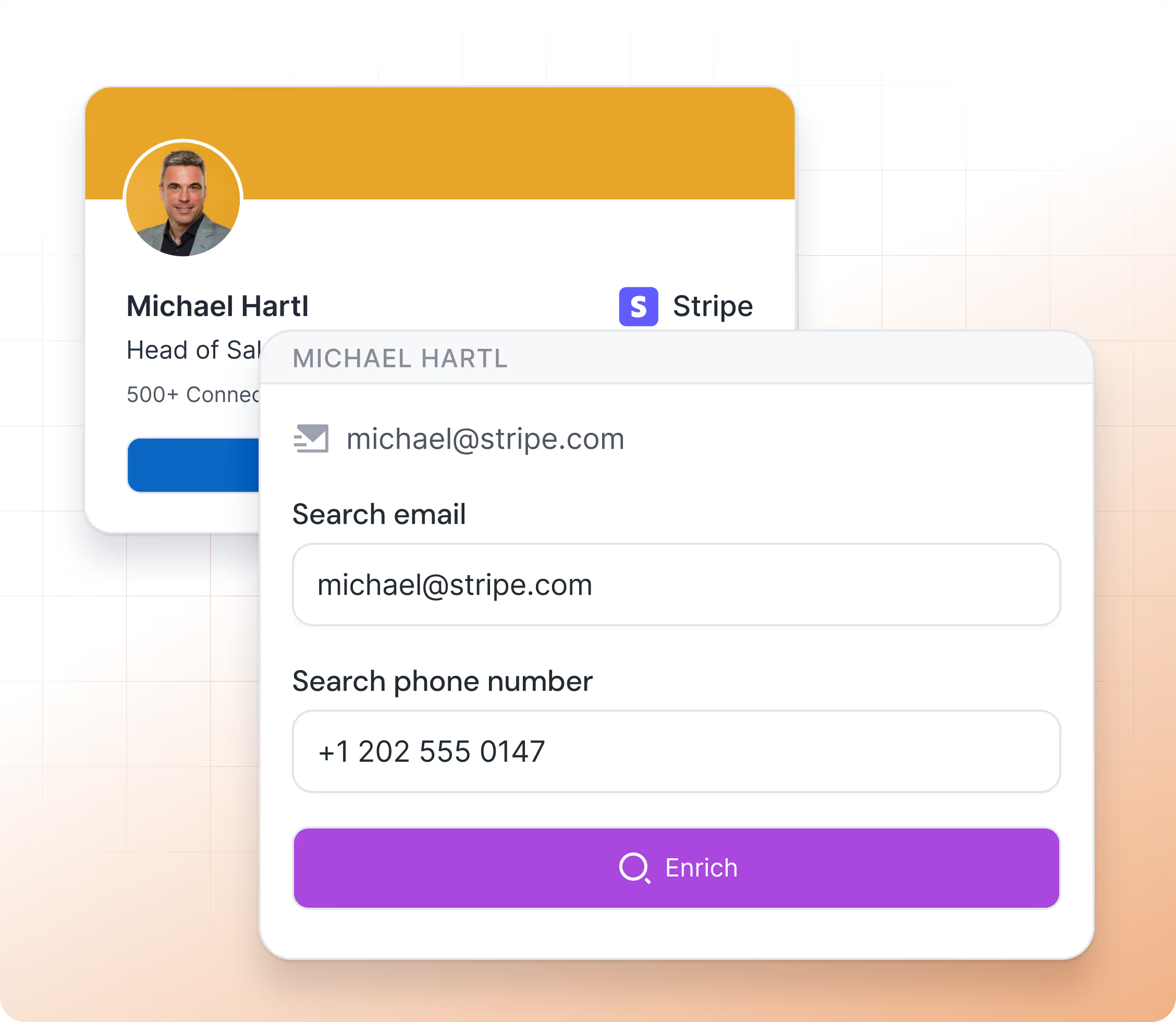
Oui, nous importons l'email et le numéro de téléphone dans HubSpot lorsque nous les trouvons. Nous n'affichons ces informations que lorsque nous sommes certains à 100 % qu'il s'agit bien de l'email et du numéro de téléphone du prospect.
Trouvez-vous l'email et le numéro de téléphone ?
Oui, nous importons l'email et le numéro de téléphone dans HubSpot lorsque nous les trouvons. Nous n'affichons ces informations que lorsque nous sommes certains à 100 % qu'il s'agit bien de l'email et du numéro de téléphone du prospect.
Comment évitez-vous les doublons de contacts ?
À chaque fois que tu ouvres un contact LinkedIn, nous vérifions dans ton HubSpot si ce contact existe déjà. La recherche s'appuie sur une combinaison de ces critères : Prénom, Nom, Titre du poste, Nom de l'entreprise, URL du site web, Email et Téléphone.
Si un contact est associé à plusieurs entreprises, laquelle importez-vous ?
Dans ce cas, après avoir cliqué sur « Ajouter au CRM », une fenêtre contextuelle s'affiche et tu es invité à sélectionner l'entreprise à importer. Une fois l'entreprise sélectionnée, nous vérifions dans le CRM si elle existe déjà, puis nous la créons si ce n'est pas le cas.
Lors de la création d'une nouvelle entreprise, quelles informations importez-vous ?
Lorsque nous créons une entreprise, nous importons toutes les informations nécessaires dans HubSpot : Nom de l'entreprise, Domaine, URL du site web, Ville, Pays/Région, Description, URL LinkedIn de l'entreprise, Nombre d'employés, Langue et Secteur d'activité.
Créez-vous une nouvelle entreprise pour chaque nouveau contact importé ?
Cela dépend. Lors de l'import d'un contact, nous vérifions dans HubSpot si l'entreprise existe déjà dans ton CRM grâce à l'URL du site web. Si elle existe, nous importons simplement le contact et l'associons à cette entreprise ; sinon, nous créons l'entreprise.