
Integración HubSpot LinkedIn
Cómo sincronizar mensajes de LinkedIn con HubSpot
Sincroniza los mensajes de LinkedIn con HubSpot gracias a Hublead. Sin copiar y pegar. Sin tareas administrativas. Solo datos limpios en tu CRM.
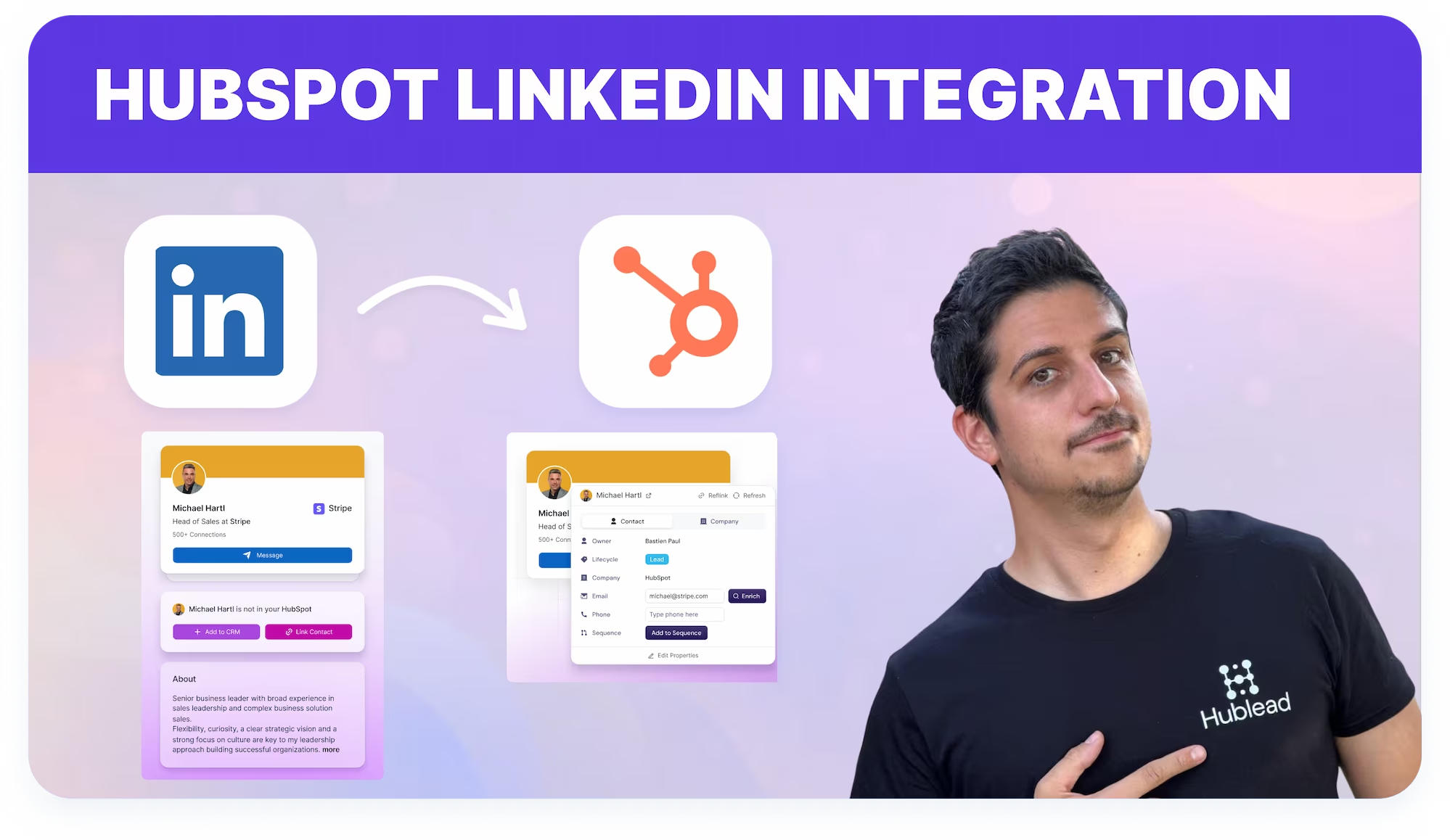

Loved by 8,000+ Users













Average sales rep saves 8+ hours/week
Sincroniza mensajes de LinkedIn con HubSpot mientras prospectás
Trabaja en LinkedIn mientras Hublead envía mensajes y actividad a HubSpot, reduciendo el registro manual y los cambios de pestaña.
Sincroniza mensajes de LinkedIn con HubSpot
Registra los eventos de mensajes enviados y respuestas de LinkedIn en HubSpot para que las conversaciones queden visibles para Follow-up y transferencias.
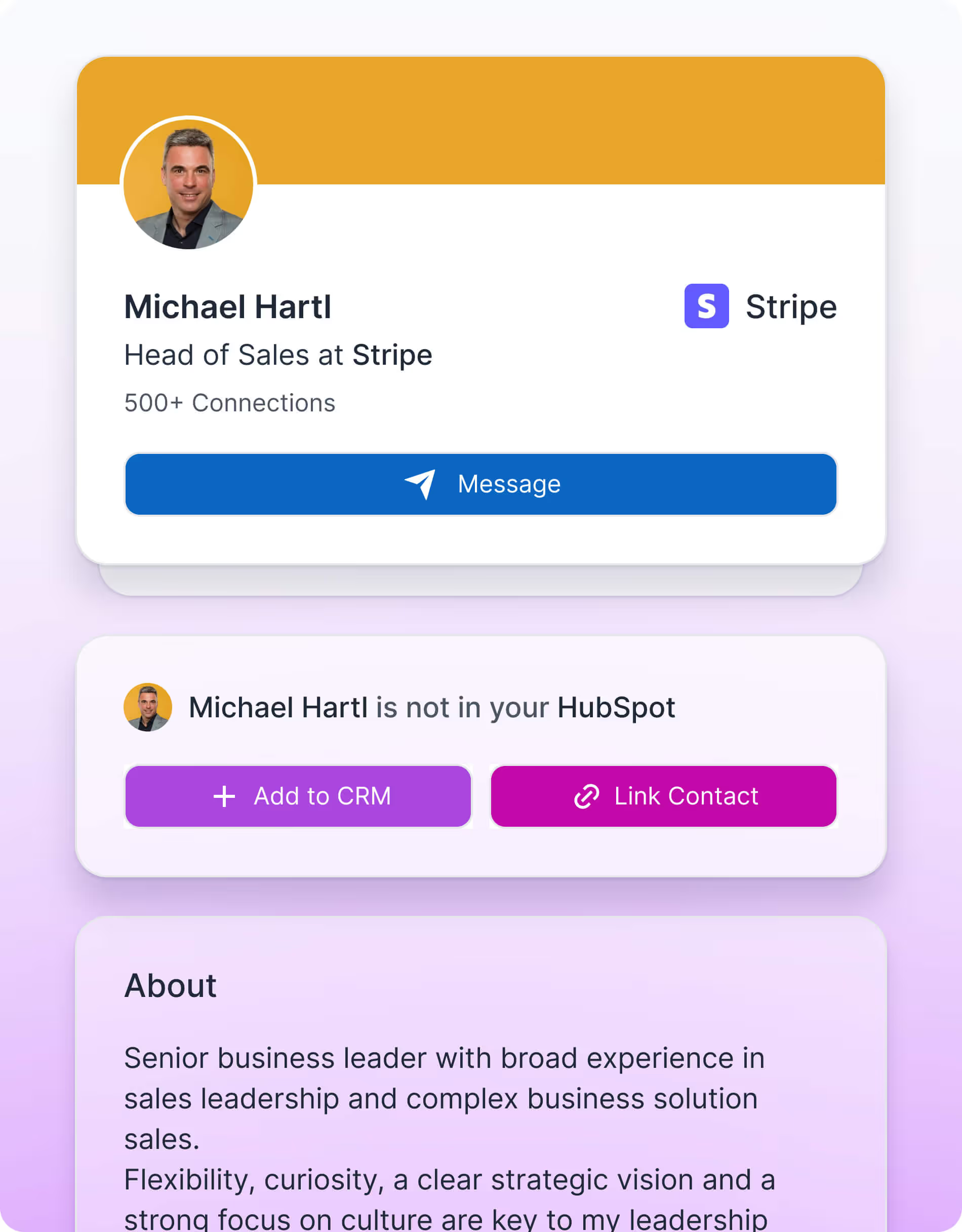

Evita conversaciones perdidas
Comparte el historial completo de conversaciones de LinkedIn en HubSpot durante las transferencias de Leads o cuentas entre equipos.

Mejora las transferencias
Comparte el historial completo de conversaciones de LinkedIn en HubSpot durante las transferencias de Leads o cuentas entre equipos.
Diseñado para simplificar tu flujo de trabajo en LinkedIn
What HubSpot userssay about Hublead
Discover how sales professionals use Hublead to cut manual work, stay focused on LinkedIn, and turn more conversations into booked demos.
Sincronización de mensajes de LinkedIn
Una vez que un contacto está vinculado, Hublead registra los eventos de mensaje enviado y mensaje respondido de LinkedIn directamente en las líneas de tiempo de contactos de HubSpot para una visibilidad completa de las conversaciones.
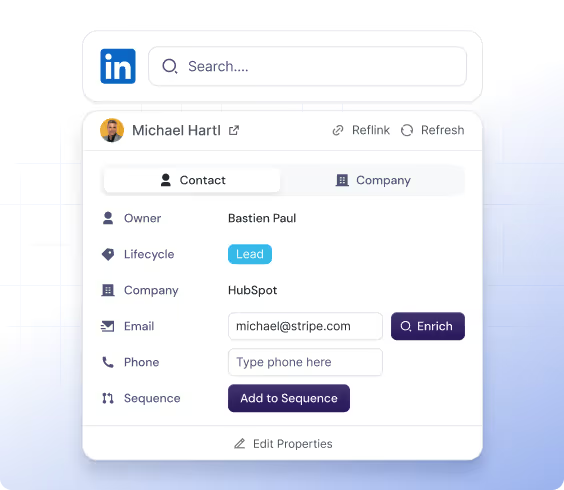
Visibilidad de mensajes en el CRM
HubSpot se convierte en la única fuente de verdad para las conversaciones de LinkedIn, permitiendo a los equipos de ventas, gerentes y RevOps ver el historial de interacciones directamente dentro del CRM.
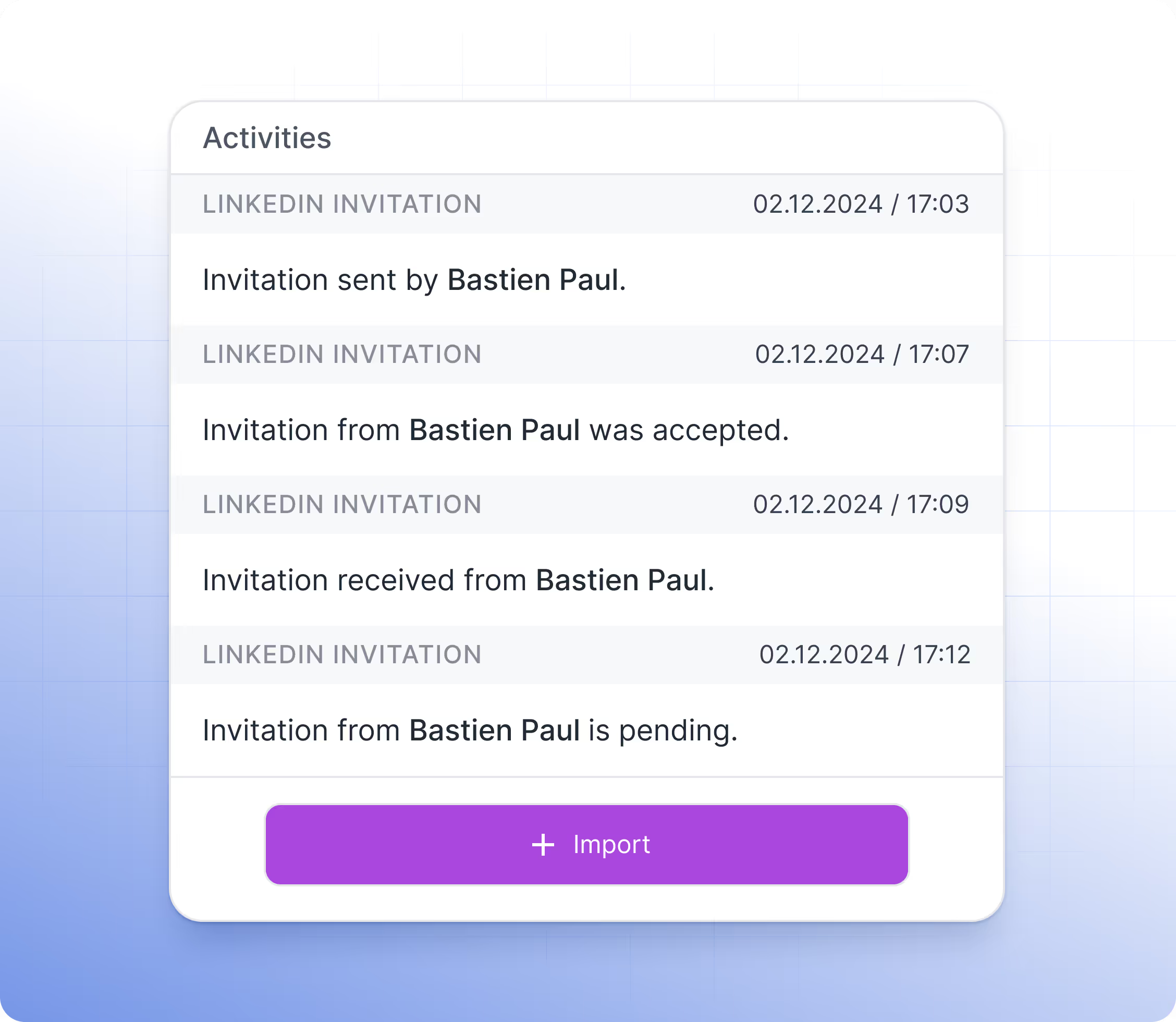
Visibilidad para todo el equipo
Los mensajes de LinkedIn y los eventos de conexión registrados por Hublead son visibles para los comerciales, gerentes y equipos de RevOps en HubSpot, garantizando una visibilidad compartida de las conversaciones con prospectos.
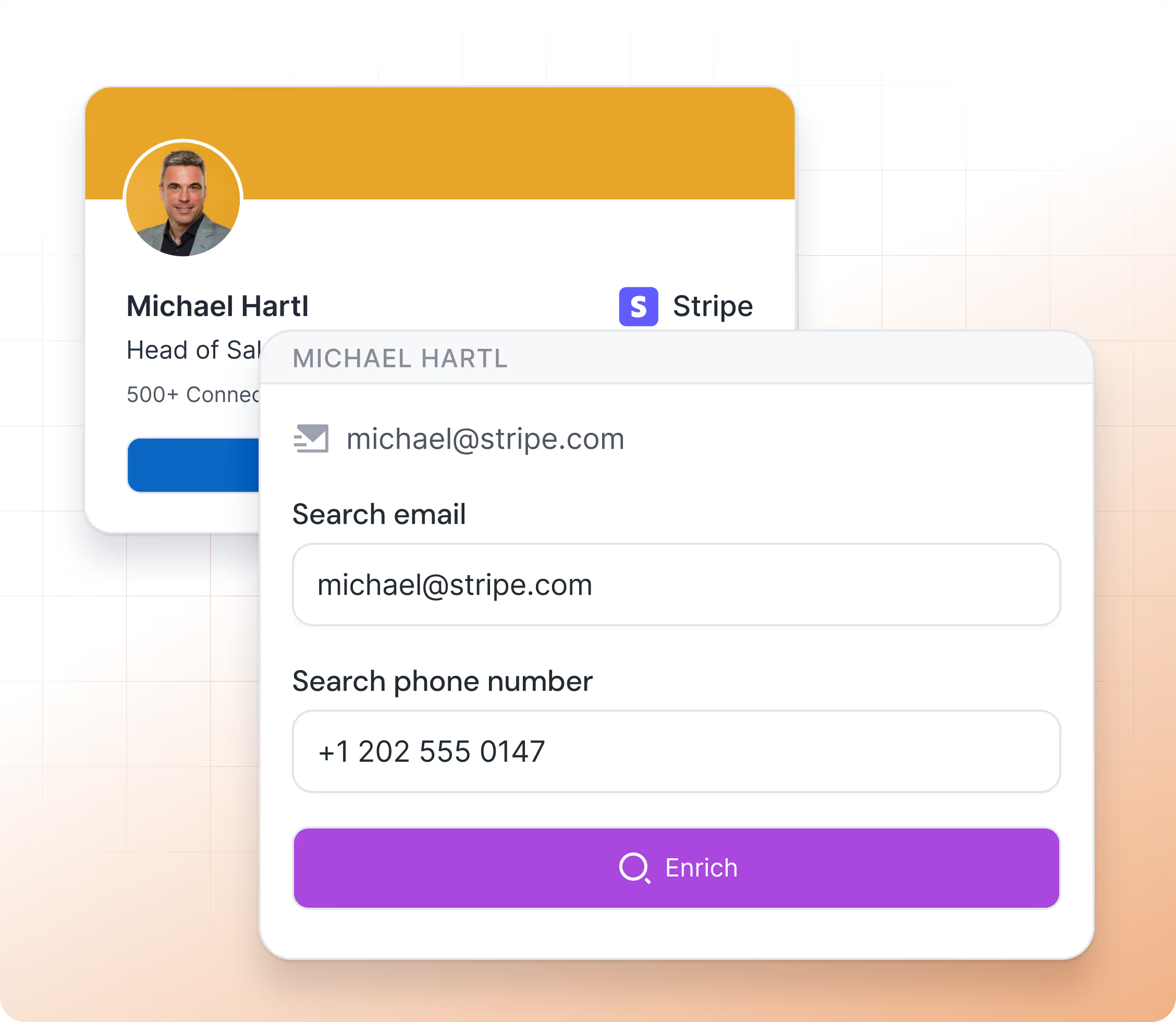
Hublead connects HubSpot to LinkedIn easily
No more guessing who you messaged last week or last month. That’s why you use a CRM to stay organized.
Hublead automatically imports all LinkedIn activities (messages and invitations) into HubSpot, so you can track every lead and turn conversations into revenue without losing time
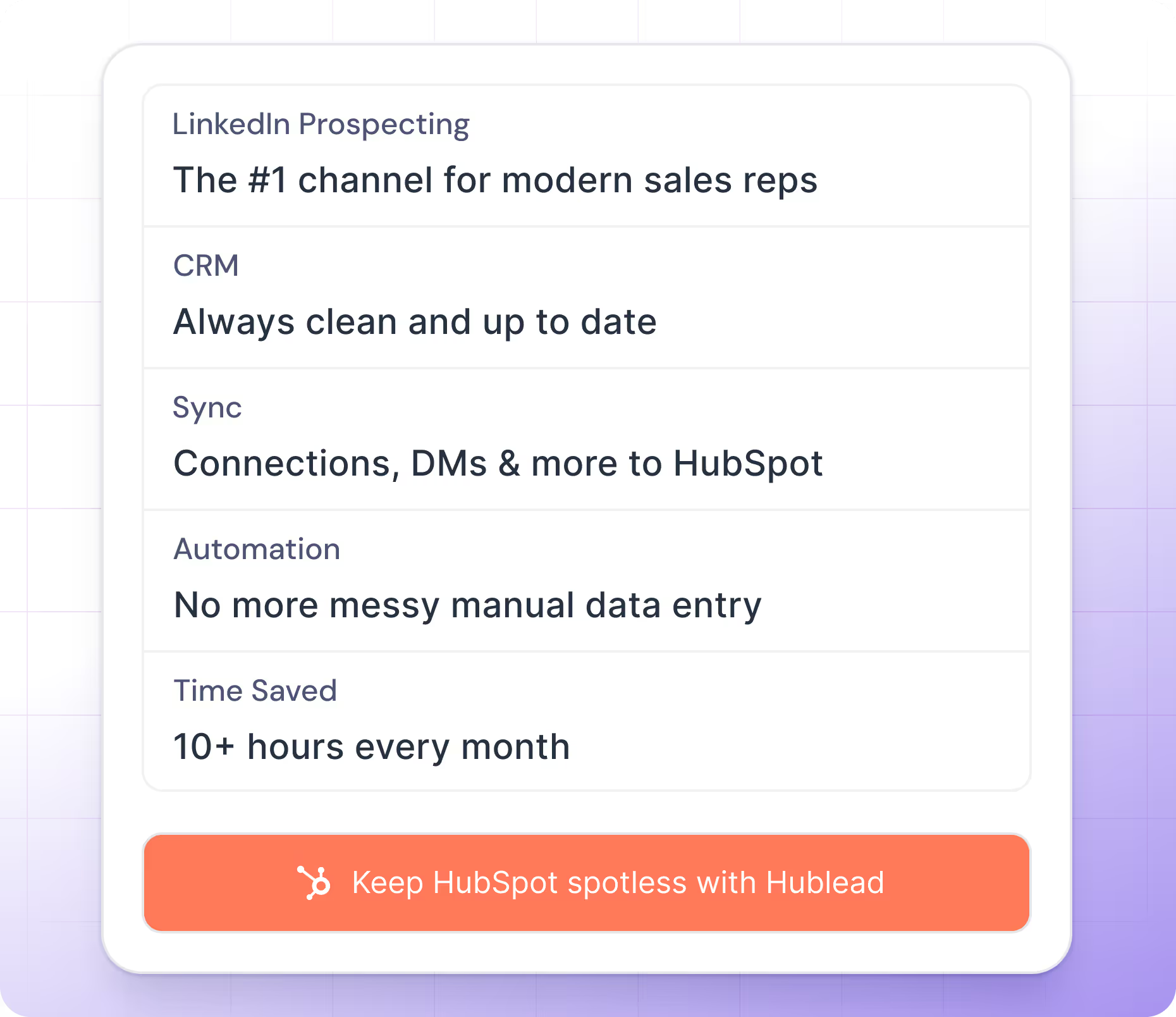


Trusted by 7k+ users!
And what our users are saying
Hublead is a Chrome extension for adding prospects, logging conversations, and enriching LinkedIn contact data. No duplicates, just pure prospecting.
Frequently Asked Questions
Cómo sincronizar mensajes de LinkedIn con HubSpot
No necesitas aprender una nueva herramienta: Hublead se integra directamente en tu navegación de LinkedIn para que te mantengas organizado y aproveches al máximo tus esfuerzos de prospección.
¿Qué información importa Hublead cuando agrego un nuevo contacto?
Al hacer clic en el botón "Añadir al CRM", importas directamente el contacto de LinkedIn a HubSpot y sincronizas los siguientes datos: Nombre, Apellido, URL de LinkedIn, Cargo, URL del sitio web, Ciudad, País/Región e Idioma.
¿Puedo usar mi propia propiedad de URL de LinkedIn?
¡Sí! Por defecto usamos la propiedad "LinkedIn URL"; sin embargo, puedes reasignar este campo.
¿Hublead es compatible con LinkedIn Recruiter?
No, no somos compatibles con este plan de LinkedIn.
¿Hublead funciona con todos los planes de LinkedIn Sales Navigator?
Sí, Hublead es compatible con todos los planes de LinkedIn Sales Navigator (Core, Advanced y Advanced Plus).
¿Necesito LinkedIn Sales Navigator para usar Hublead?
No, no necesitas LinkedIn Sales Navigator.
Ya tengo una URL de LinkedIn, ¿Hublead lo tiene en cuenta?
Puedes usar tu URL de LinkedIn personalizada; lo cambias desde el dashboard. Por defecto usamos una propiedad llamada "LinkedIn URL".
¿Hublead puede enviar mensajes de LinkedIn desde HubSpot?
No, por el momento esto no es posible.
¿Hublead funciona en Safari?
Sí, aunque la compatibilidad depende de Safari. Hublead garantiza soporte únicamente en Chrome.
¿Puedo usar Hublead en un iPad?
No, no puedes usar Hublead en iPad. La app de Chrome en iOS no admite extensiones de Chrome.
¿Qué plan me conviene elegir?
Nuestros planes están diseñados para distintos negocios y necesidades; los planes de Hublead se adaptan a empresas de todos los tamaños.
¿Los datos de Hublead cumplen con el RGPD y la CCPA?
Sí, nuestros datos cumplen plenamente con los requisitos del RGPD y la CCPA.
¿Se integran con otros CRM además de HubSpot?
Por ahora solo nos integramos con HubSpot, ¡y preferimos mantenerlo así!
¿Es posible sincronizar conversaciones de LinkedIn automáticamente en HubSpot?
Sí, importamos el correo electrónico y el número de teléfono en HubSpot cuando los encontramos. Solo mostramos esta información cuando tenemos la certeza del 100 % de que corresponde al correo y teléfono del prospecto.
¿Encuentran el correo electrónico y el número de teléfono?
Sí, importamos el correo electrónico y el número de teléfono en HubSpot cuando los encontramos. Solo mostramos esta información cuando tenemos la certeza del 100 % de que corresponde al correo y teléfono del prospecto.
¿Cómo evitan la duplicación de contactos?
Cada vez que abres un contacto de LinkedIn, buscamos en tu HubSpot si el contacto ya existe. La búsqueda se basa en una combinación de estas variables: Nombre, Apellido, Cargo, Nombre de la empresa, URL del sitio web, Correo electrónico y Teléfono.
Si un contacto tiene más de una empresa actual, ¿cuál importan?
En ese caso, al hacer clic en "Añadir al CRM", aparecerá una ventana emergente donde podrás seleccionar la empresa que deseas importar. Una vez seleccionada, buscamos en el CRM si ya existe y, si no es así, la creamos.
Al crear una nueva empresa, ¿qué información importan?
Si creamos una empresa, importamos en HubSpot toda la información necesaria: Nombre de la empresa, Dominio, URL del sitio web, Ciudad, País/Región, Descripción, URL de la empresa en LinkedIn, Número de empleados, Idioma e Industria.
¿Crean una nueva empresa para cada contacto importado?
Depende. Al importar un contacto, buscamos en HubSpot si la empresa ya existe en tu CRM a través de la URL del sitio web. Si existe, simplemente importamos el contacto y lo asociamos a la empresa; de lo contrario, creamos la empresa.