

The 6 best email finder tools for HubSpot
Looking for an email finder tool that works with HubSpot? We tested the best, and here's what works, what doesn't, and which ones are worth your budget.
Let’s talk about one of the most critical tools in any sales rep’s stack: email and phone number finders.
Everyone has one. Everyone swears by the one they use. But if you try three different tools, you might get three different results.
So what gives? I’m not satisfied with the marketing claims and technical mambo jumbo; I only care about what works and what allows me to sell effectively. So let’s ditch the hypotheticals and get down to brass tacks. In this guide, I’m going to share my favorite email finder tools for HubSpot, explain what makes each one great, and what to watch out for.
An email finder alone won’t guarantee you a full pipeline, but the right one can at least get you in front of your prospects.
Why use an email finder tool?
If you’re using HubSpot, Apollo, or any other tool to build a lead list, you are going to end up with a long list of prospects with no way to contact them. You can’t just dial the company and go through the phone tree, so you’re going to need a tool that can reliably find every email address and phone number for each prospect you intend to reach out to.
HubSpot has entered the enrichment tool with Breeze AI, so you’d think this might be the best of both worlds: a world-class CRM with (supposedly) world-class AI-powered enrichment.
Wrong. Breeze doesn’t enrich contacts with email addresses or phone numbers.
As the “anti spam” CRM, HubSpot's AI-powered enrichment tool does not enrich contacts with the one thing sales reps really need: email addresses and phone numbers.
In fact, a contact needs a business email address to be enriched in the first place! Then you can use Breeze to enrich records with fields like city, job title, LinkedIn URL, and state. You know, all the useful information you need to run a cold outbound campaign.
Criticism aside, this is useful information… If you have a contact’s email address and phone number. If you don’t, you’ll need one of the email-finding tools I’ll share in the next section.
Our favorite email finder tools for HubSpot
Since HubSpot’s enrichment tools cannot find email addresses and phone numbers for your lead lists, here are my favorite email finder tools that work well with HubSpot:
- Hublead
- Hunter
- Clay
- Apollo
- RocketReach
- GetProspect
Hublead
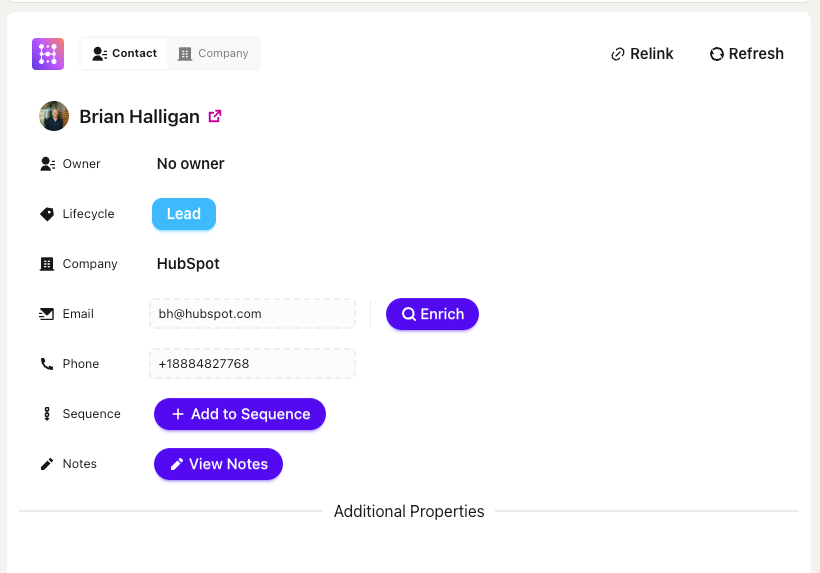
Hublead is the software platform we built to solve one simple problem: syncing LinkedIn prospecting activities back to HubSpot.
Day after day, I would invest in LinkedIn as a prospecting channel only to have to backtrack and copy and paste data back into HubSpot. Those hours of busywork cut into valuable prospecting and marketing time… so we cut them out completely.
Then we realized there was another problem to solve: finding accurate email addresses and phone numbers for prospects so we could combine LinkedIn with email and phone prospecting.
With Hublead data enrichment, not only can you find email addresses and phone numbers for contacts on LinkedIn, but you can also enrich any HubSpot list in your CRM. With 95% accuracy, you can trust that the emails and phone numbers we find for your prospects are up to date, so you can spend more time connecting, DMing, emailing, and calling.
Hunter
If you want a basic, no-frills email finder, then there are few options better than Hunter.io.
Hunter.io has been a favorite of founder-led startups for a while for one good reason: its free tier gives you 50 credits per month, which is plenty to get started and dip your toes into outbound. All you need to do is enter a company domain, and Hunter will return known email patterns and verified addresses. Plus, the higher tiers offer more advanced features, such as lead enrichment, AI sequence writing, and more.
There’s one downside: without native HubSpot integration, you’ll need to copy and paste the data Hunter generates, which can be time-consuming.
Apollo
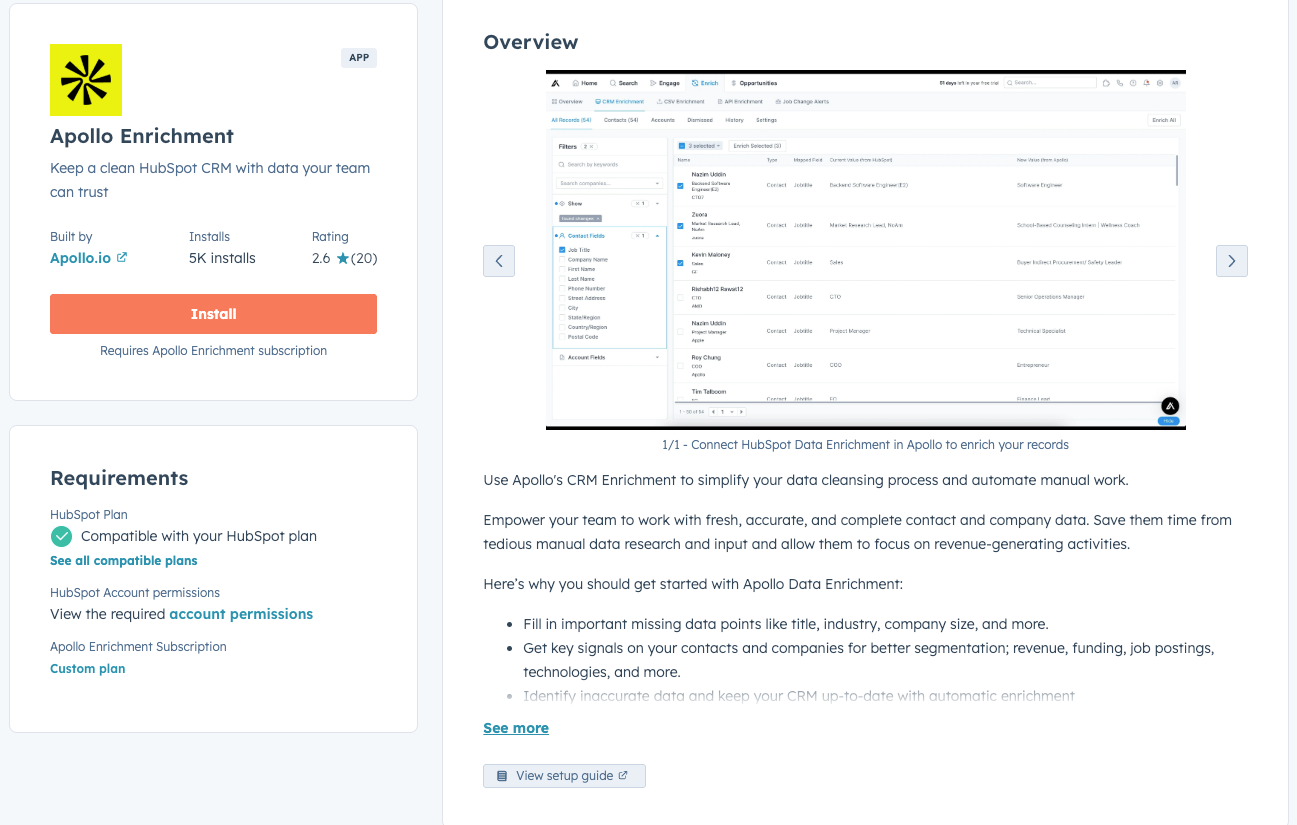
Apollo.io is one of the more popular data enrichment tools, and a good place to start if you’re looking for more than just email addresses and phone numbers.
Apollo allows you to build targeted lists of prospects based on the ICP data you provide, and enrich leads with fairly accurate phone numbers and email addresses. Like Hunter, Apollo is fairly budget-friendly, starting at $49 (with a limited free plan).
Be warned, though: the integration with HubSpot is not stellar. Apollo often duplicates companies rather than linking them, which can lead to a lot of bad data in HubSpot.
Clay

How do you know someone uses Clay? They’ll probably post something on LinkedIn about it.
Clay has caught the GTM world on fire, and for good reason: it’s one of the most powerful data enrichment tools, but it’s also one of the most expensive at scale.
Like Apollo, Clay lets you build a list of leads based on predefined filters and then enrich it with information such as email addresses, phone numbers, recent news, funding rounds, and other intent signals. For a simple email finder, though, there are other cheaper and simpler options on this list.
RocketReach
Like Hunter, RocketReach does not have a direct integration with HubSpot, but it’s well-regarded enough as an email finder that I’m including it here.
RocketReach is a comprehensive tool for finding your prospects' email addresses, phone numbers, and social media profiles. You’d be in good company using it, too; Google, Adobe, TicketMaster, and other large enterprise clients rely on RocketReach.
That said, it’s pricier than the other options on this list. RocketReach starts at $33/month and scales to $175, and that’s for just one seat.
GetProspect
GetProspect is a more budget-friendly alternative that, like Hublead, integrates directly with LinkedIn thanks to its Chrome extension. This makes it super simple to build and enrich prospect lists when browsing LinkedIn.
The only downside is that, unlike Hublead, GetProspect doesn’t have a native integration with HubSpot, meaning you’ll need to invest some time to copy and paste data into your CRM.


Ready to fix your outbound process?
A side-by-side view of these email finder tools
Here’s a quick side-by-side comparison of the above email finder tools so you can choose the best one for your workflow:
Between the six tools above, which should you choose?
There’s a world of difference between a tool like Hunter and Clay; one is used to do one thing: find emails, and the other is used to fuel a sales team’s GTM strategy.
Ultimately, the decision depends on what your team needs and how you run outbound. That said, we can share why over 7,000 sales professionals trust Hublead.
- Hublead saves you time: Hublead eliminates the time-wasting work of copying and pasting into HubSpot and switching tabs. With Hublead, you can prospect on LinkedIn, enrich contacts, and trust your CRM is clean.
- Hublead is accurate: With 95% accuracy, you can trust that the email addresses and phone numbers Hublead finds are correct, allowing you to focus more on messaging and less on searching for contact info.
- Hublead is dead-simple to use: All you need to do is sign up for Hublead and add it to Chrome. That’s it. No complex installs. No demos with sales. Just sign up and prospect on LinkedIn.
With quotas on the line, thousands of sales reps trust Hublead to enrich their contacts and fuel their outbound campaigns. And the best part is you can try Hublead for free.
Try Hublead for free and enrich your HubSpot contacts today
No email or phone number for a prospect? No problem.
Whether you want to enrich a contact with one click when saving them from LinkedIn or enrich an entire list in HubSpot, Hublead will find valid email addresses and phone numbers.
Click the button below to join 7,000+ sales professionals who've eliminated data entry from their daily workflow. With all that accurate, enriched data in your HubSpot portal, you can dial more numbers, send more emails, and close more deals.
Ready to fix your outbound process?
Frequently Asked Questions
What is the best third-party email finder for HubSpot?
Hublead! Hublead allows you to save and enrich contacts with one click from LinkedIn, and bulk-enrich a list of contacts with 95% accuracy.
How do email finders work?
It varies by the tool; some aggregate data, some guess based on patterns in company email addresses, and some cross-reference with social media platforms. What matters is finding a tool that is reliable and fits with your budget.
How do you find a person's phone number for free?
Go to the LinkedIn profile for any prospect and click on “Add to CRM.” Hublead will search for and display the phone number for free if it is available.
.avif)
.avif)