
Trigger HubSpot automations from LinkedIn activity
Hublead syncs LinkedIn triggers to HubSpot, allowing you to run your outbound nurturing campaigns on autopilot.
Try Hublead for Free
Loved by 8,000+ Users













HubSpot LinkedIn Chrome Extension
View it in action
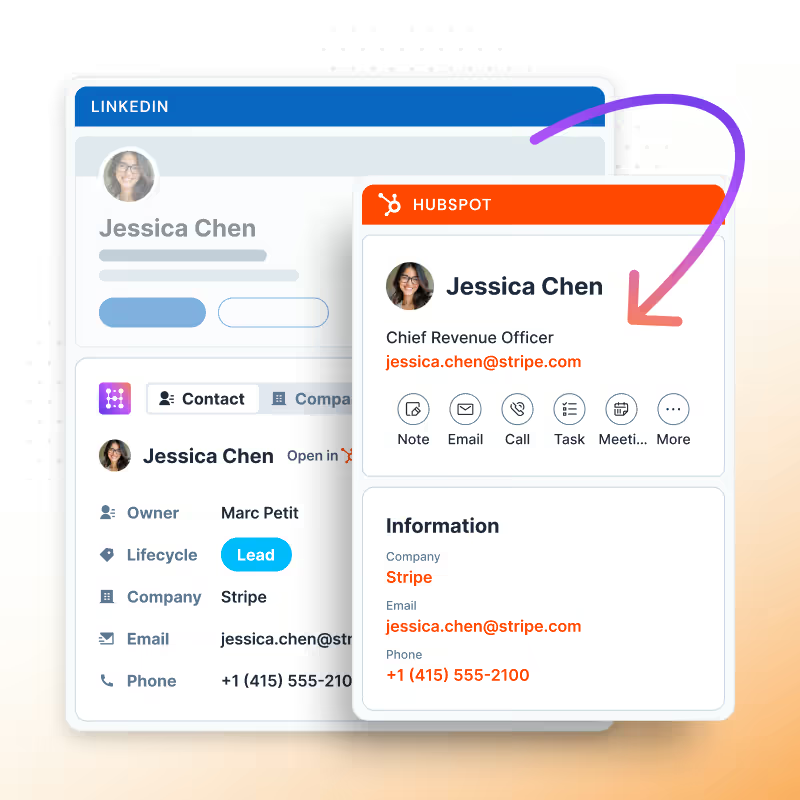
See HubSpot data on LinkedIn, no need to switch tabs every time you're landing on a prospect.
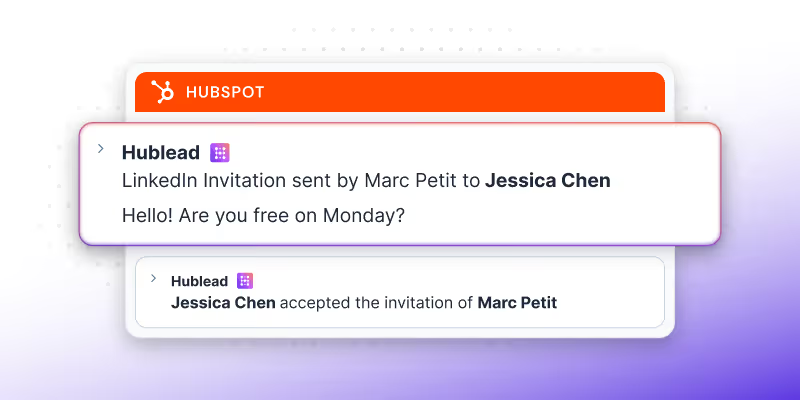
Sync LinkedIn triggers to HubSpot
Sync LinkedIn connection request statuses, DMs, and more to fuel your HubSpot campaigns.
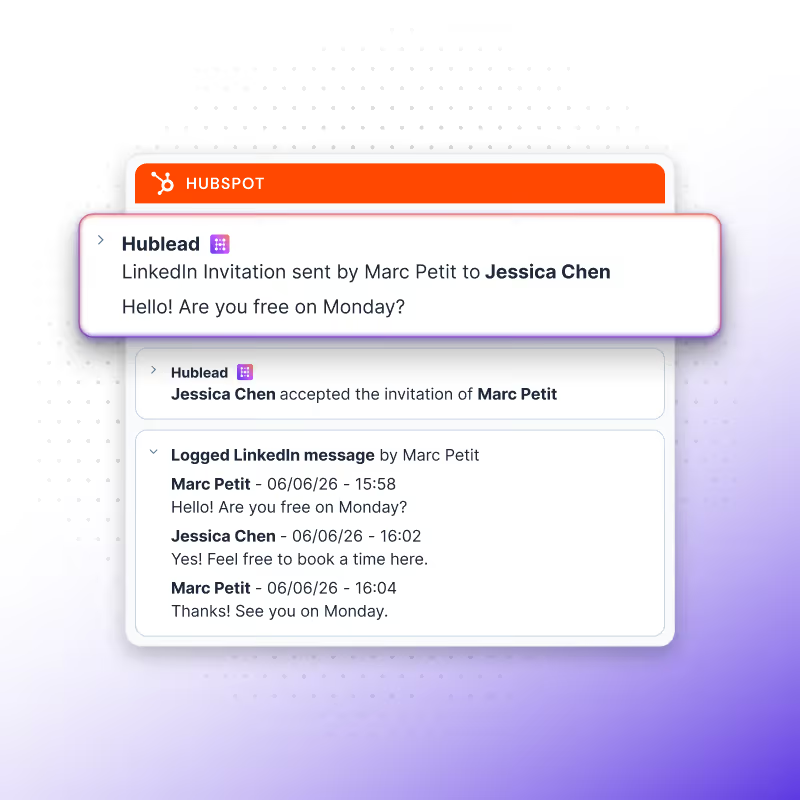
Send the right message at exactly the right time
Trigger emails, tasks, and more based on LinkedIn activity, allowing you to send the right message to every prospect at the right time, every time.
Unlock powerful automation across your entire stack
Trigger automation across your entire stack from task creation to Slack alerts, routing, scoring, enrichment, or any third-party app.
Send the right message at the right time,every time
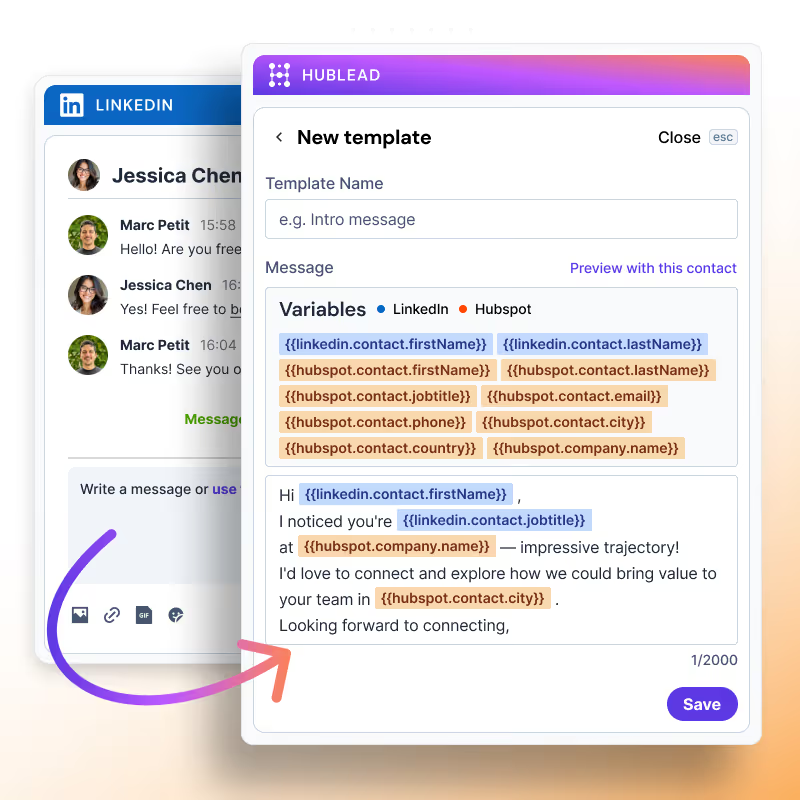
Scale your outbound with message templates
Save time with message templates for DMs and InMails. You can even personalize them with LinkedIn data and HubSpot contact properties.
Learn more
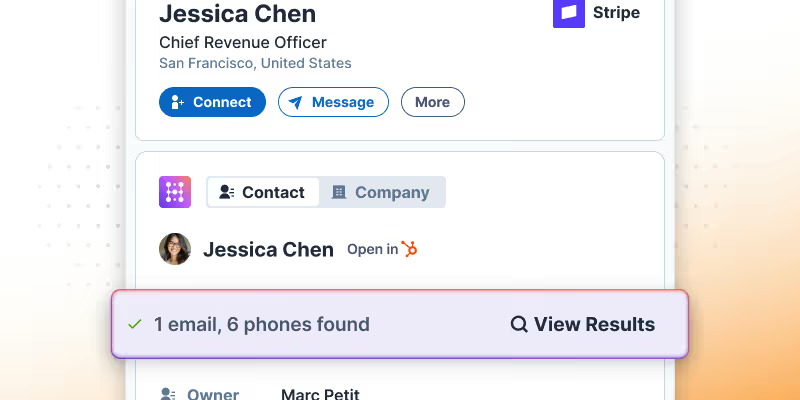
Find accurate email addresses and phone numbers for any lead on LinkedIn
Enrich any LinkedIn or Sales Navigator profile with accurate emails and phone numbers, then sync them to HubSpot with one click.
Learn more
View and edit HubSpot properties from LinkedIn
No more tab switching. Edit HubSpot contacts directly in LinkedIn so you can focus more on prospecting and less on data entry.
Learn more
LinkedIn outbound on autopilot
Hublead was built for sales reps who want to spend more time prospecting and less time managing different tools.
Keep your CRM clean
Keep all prospect in HubSpot for complete context
75%
more meetings booked
Enrich leads in seconds
Enrich individual contacts or an entire list in seconds
95%
accurate and up-to-date information
Track LinkedIn activities
Track message response times and follow-up effectiveness
2+
hours saved every week
HubSpot LinkedIn Chrome Extension
Frequently Asked Questions
See HubSpot data on LinkedIn, no need to switch tabs every time you're landing on a prospect.
What triggers are synced from LinkedIn to HubSpot?
You can sync connection requests being accepted, LinkedIn messages sent, and even contact birthdays to trigger Workflows.
Is there any limit to how many contacts I can sync between LinkedIn and HubSpot?
Nope. Sync as many contacts as you’d like between LinkedIn and HubSpot.
How does Hublead connect LinkedIn with HubSpot?
Hublead captures your LinkedIn activity and updates key contact properties in HubSpot so you can segment, score, and automate with real data.
Does Hublead sync LinkedIn messages and invitations?
Yes. Messages and invitations can be imported into HubSpot so you keep a full outbound history for every contact.
Can I enroll contacts in Sequences from LinkedIn triggers?
You can, but you’d need to enroll contacts in a Workflow first and then enroll them in a Sequence from that Workflow.
Can I trigger HubSpot automation from LinkedIn activity?
Yes. Once the data lands in HubSpot, you can power workflows, routing, scoring, Slack alerts, and any connected app.
Do I need to set anything up to sync LinkedIn triggers?
All you need to do is add Hublead to Chrome, connect it to your HubSpot account, and you are all set.