
Find accurate contact info for any lead on LinkedIn
Hublead finds email addresses and phone numbers for all of your leads on LinkedIn with 95% accuracy. Find and connect with leads faster than ever without having to leave LinkedIn.
Try Hublead for Free
Loved by 8,000+ Users













HubSpot LinkedIn Chrome Extension
View it in action
See HubSpot data on LinkedIn, no need to switch tabs every time you're landing on a prospect.
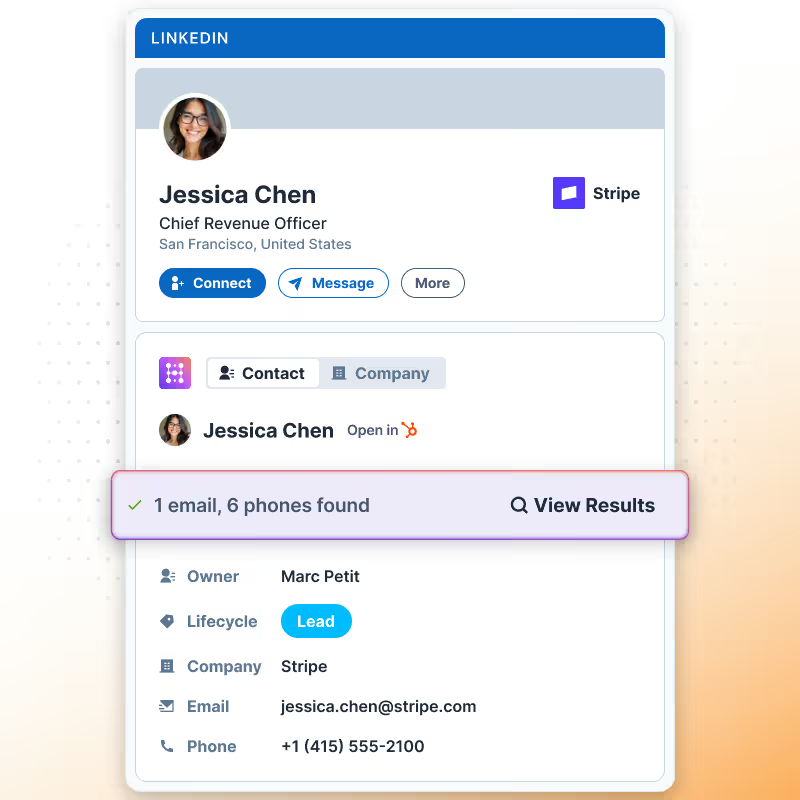
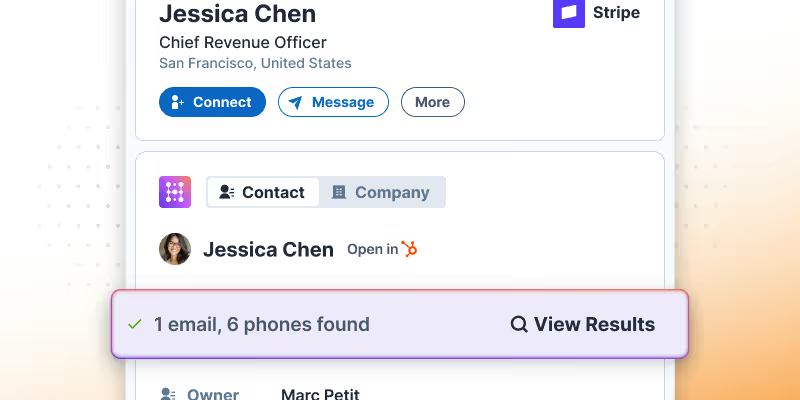
Enrich leads on LinkedIn with one click
Whether you are on LinkedIn or Sales Navigator, all you need to do is click “Enrich” to find accurate contact information for your prospects.
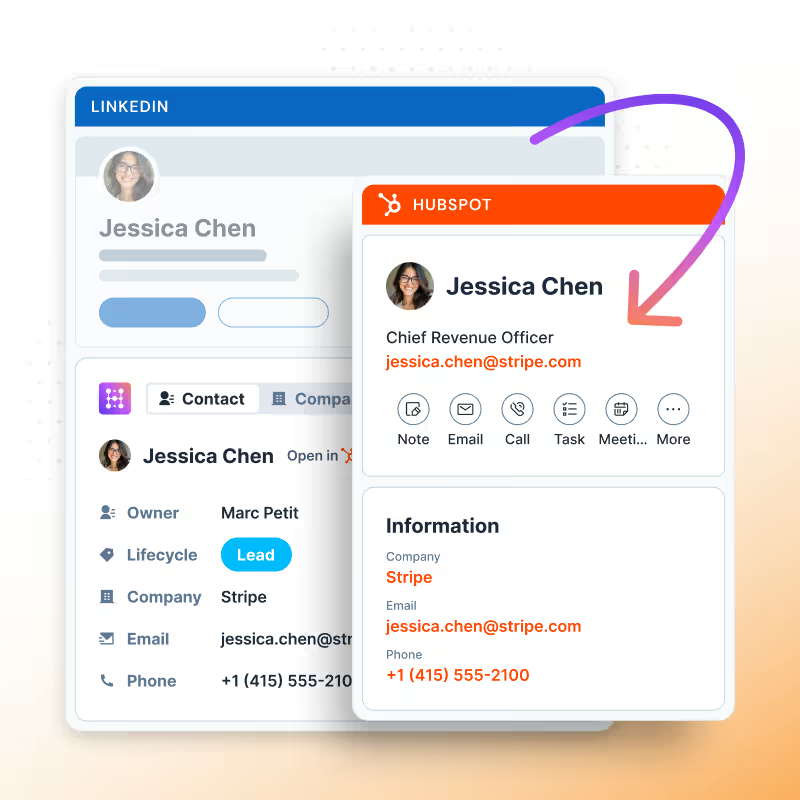
Sync enriched email and phone data back to HubSpot
Automatically sync the email addresses and phone numbers you find back to HubSpot, so you can immediately enroll new prospects into your nurturing flows.

Connected to our data providers, or yours
Use Hublead’s data provider or your own; no code or complex setups needed.

No email address? No problem, Hublead can find it
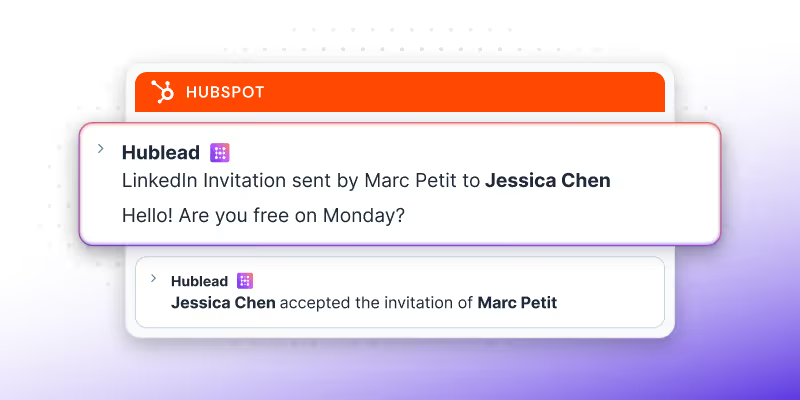
Sync every touchpoint on LinkedIn back to HubSpot
Import contacts with one click, sync every DM and InMail, and automatically track connection requests between HubSpot and LinkedIn.
Learn more
Scale your outbound with message templates
Save time with message templates for DMs and InMails. You can even personalize them with LinkedIn data and HubSpot contact properties.
Learn more
View and edit HubSpot properties from LinkedIn
No more tab switching. Edit HubSpot contacts directly in LinkedIn so you can focus more on prospecting and less on data entry.
Learn more
The best email finder for LinkedIn
Hublead was built for sales reps who want to spend more time prospecting and less time managing different tools.
Keep your CRM clean
Keep all prospect in HubSpot for complete context
75%
more meetings booked
Enrich leads in seconds
Enrich individual contacts or an entire list in seconds
95%
accurate and up-to-date information
Track LinkedIn activities
Track message response times and follow-up effectiveness
2+
hours saved every week
HubSpot LinkedIn Chrome Extension
Frequently Asked Questions
See HubSpot data on LinkedIn, no need to switch tabs every time you're landing on a prospect.
What does 1 email credit mean?
Using one email credit with the "Enrich" button fetches an external email for your HubSpot contact from sources like Apollo.io and Hunter.io, beyond LinkedIn.
How does Hublead get its enrichment data?
Hublead built a database of 200M+ B2B contacts to power our enrichment data.
How many contacts can I enrich?
It will depend on your plan. Pro plans get 600 credits, and Scale plans get 12,000. Hublead offers an Enterprise plan as well for custom limits.
How accurate is Hublead’s email and phone enrichment?
We can find contact email address and phone number data with 95% accuracy.
Which plan includes enrichment?
All of them! The credits you are allowed to use will vary by plan, but all Hublead plans offer enrichment.