
Build targeted prospect lists and sync them to HubSpot with one click
Search through a database of 200M+ verified B2B contacts, filter by your ICP, and push them to HubSpot with one click. No CSV exports or additional tools needed.

Loved by 8,000+ Users













HubSpot LinkedIn Chrome Extension
Filter, enrich, and save leads to HubSpot in seconds
Find verified prospects and save them to HubSpot with one click. That’s a lot less time switching between tools and a lot more time filling your pipeline.
A B2B database built for HubSpot
Filter prospects by name, role, location, industry, and more to fill your pipeline without needing another tool.
Try Hublead for Free
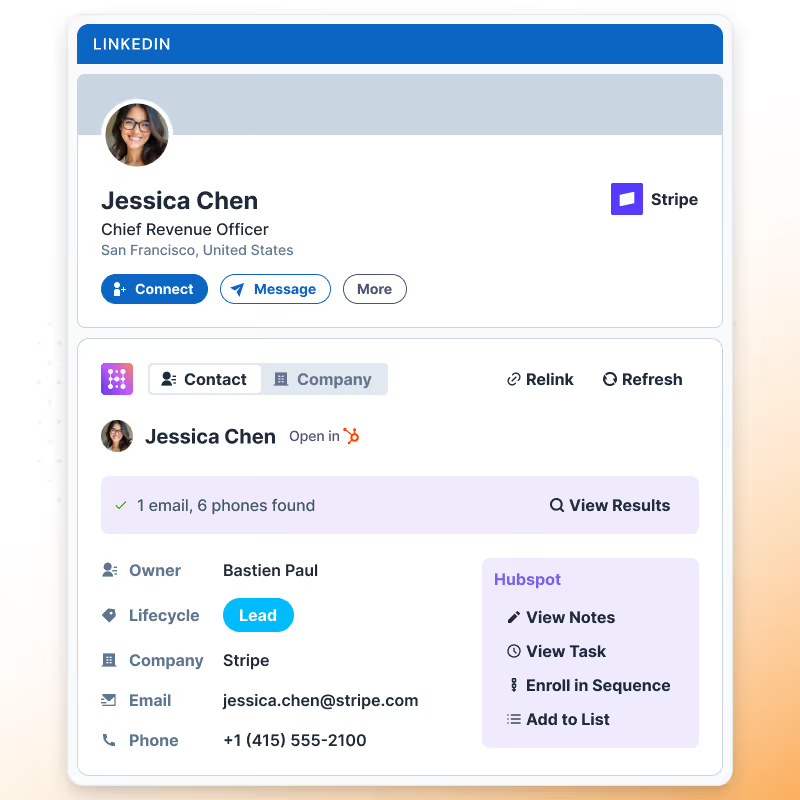
Accurate and up-to-date data for over 200M contacts
Every lead comes with up-to-date information, including contact details, LinkedIn profiles, and more.
Try Hublead for Free
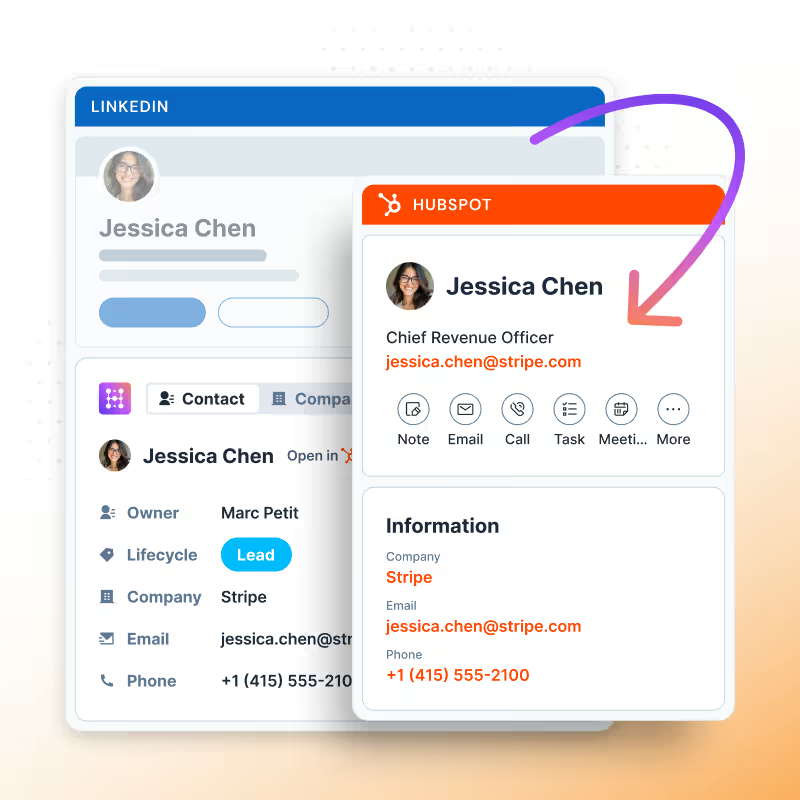
Enrich leads in bulk and export to HubSpot
Enrich the leads you save, and sync them to any HubSpot list. No CSV exports or other tools are needed.
Try Hublead for Free
All in one place, not all over the place
It’s as if Sales Navigator search was built for HubSpot. Find leads, enrich them, and save them to your CRM in one tool.
Try Hublead for Free
Hublead does more than let you search for leads
Sync every touchpoint on LinkedIn back to HubSpot
Import contacts with one click, sync every DM and InMail, and automatically track connection requests between HubSpot and LinkedIn.
Learn more
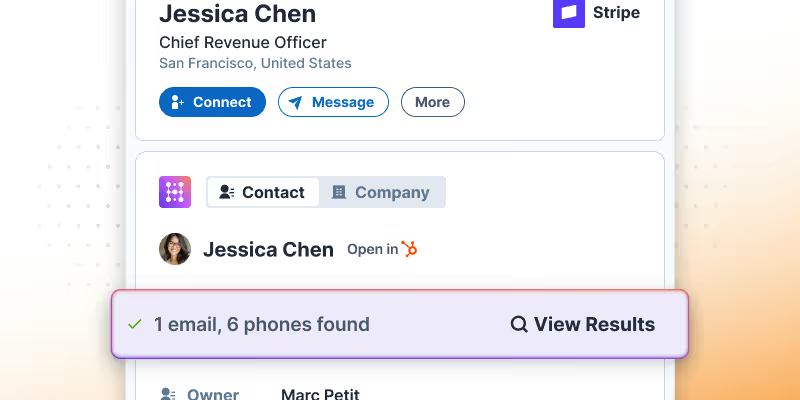
Import and enrich contacts from LinkedIn
Import leads from LinkedIn and Sales Navigator with one click, and enrich them with accurate contact information.
Learn more

View and edit HubSpot properties from LinkedIn
No more tab switching. You can edit HubSpot contacts directly in LinkedIn so you can focus more on prospecting and less on data entry.
Learn more
Lead search built for HubSpot
Hublead was built for sales reps who want to spend more time prospecting and less time managing different tools.
Keep your CRM clean
Keep all prospect in HubSpot for complete context
75%
more meetings booked
Enrich leads in seconds
Enrich individual contacts or an entire list in seconds
95%
accurate and up-to-date information
Track LinkedIn activities
Track message response times and follow-up effectiveness
2+
hours saved every week

How much time will Hublead save you this week?
Join 8,000+ sales teams who search, enrich, and push to HubSpot in one click.
HubSpot LinkedIn Chrome Extension
Frequently Asked Questions
See HubSpot data on LinkedIn, no need to switch tabs every time you're landing on a prospect.
What is Lead Search?
A 200M+ B2B contact database built into Hublead. Search, filter, and push contacts to your HubSpot lists, without leaving HubSpot.
How many contacts can I export?
Each plan comes with export credits, and you see your balance in the app before every export. Top up or upgrade anytime.
Can I filter my search?
Yes. Filter by industry, company size, tech stack, role, location, and keywords to build your exact list.
How do contacts get into HubSpot?
Select contacts and push them to a HubSpot list in one click. No CSV exports, no manual imports, no duplicates.
Are exported contacts enriched?
Yes. Lead Search runs a premium waterfall as it imports, so contacts arrive with verified emails and phone numbers at 95% accuracy.
Which plan includes Lead Search?
Lead Search is available on the Scale plan, no extra seats or add-ons required.
Does Lead Search create duplicates?
No. Hublead checks HubSpot before adding a contact, so you never create duplicates.