
Remove admin work with Hublead and get your time back to sell.
Import contacts to your CRM, enrich leads with accurate contact information, and sync your DMs and InMails without thinking about it.
Prospect on LinkedIn and sync every touch back to your CRM
Loved by 8,000+ Users













HubSpot LinkedIn Chrome Extension
Goodbye tab switching, hello time for prospecting
Hublead was built for sales reps who want to spend more time prospecting and less time managing different tools.
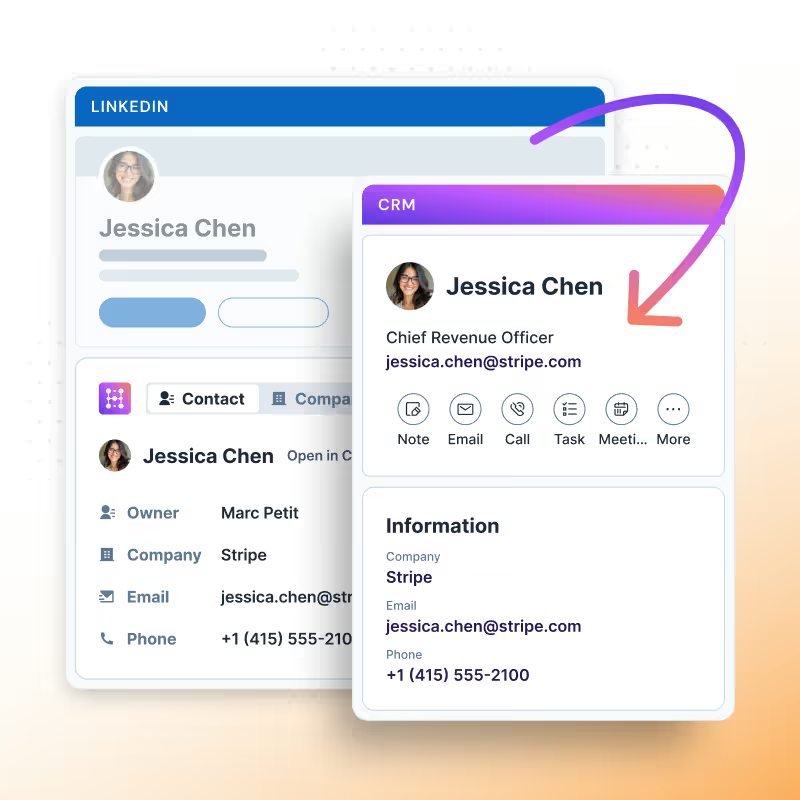
Save leads to your CRM while you’re still on LinkedIn
Find leads and save them to HubSpot, enrich them with accurate contact information, and edit contact properties without ever having to leave LinkedIn.
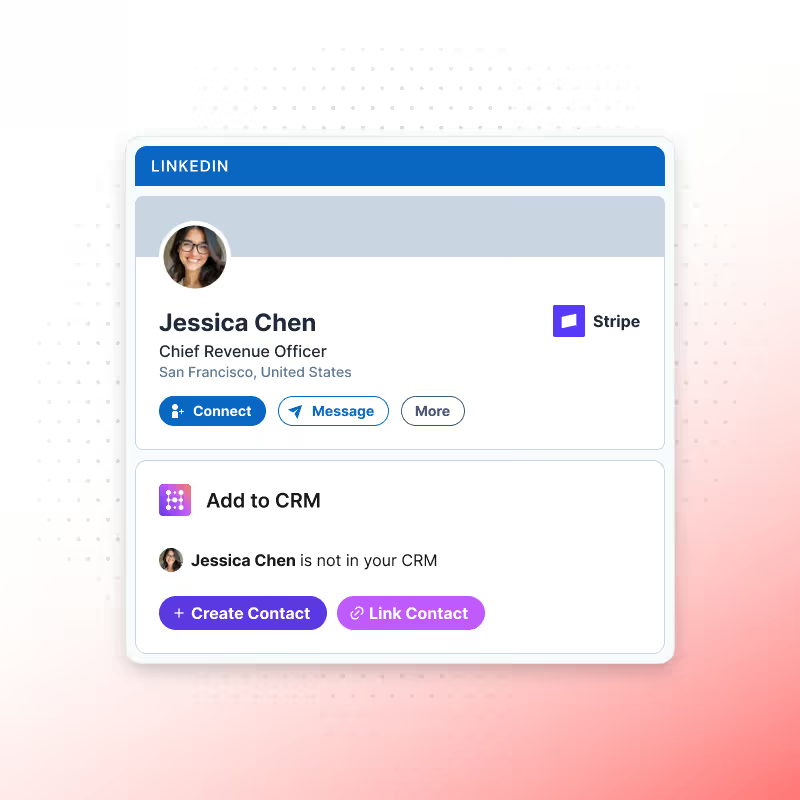
Sell on LinkedIn and update your CRM without switching tabs
View and edit contacts & companies directly in LinkedIn. No switching to HubSpot or other tools.
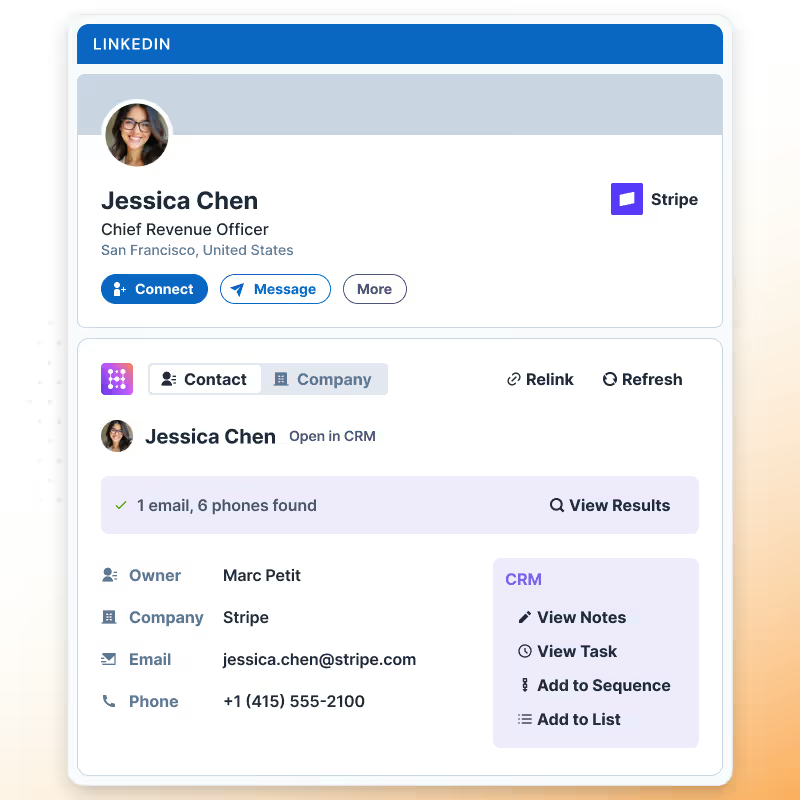
Enrich and sync contacts with one click
Automatically enrich email, phone, and company data using multiple sources without leaving LinkedIn.
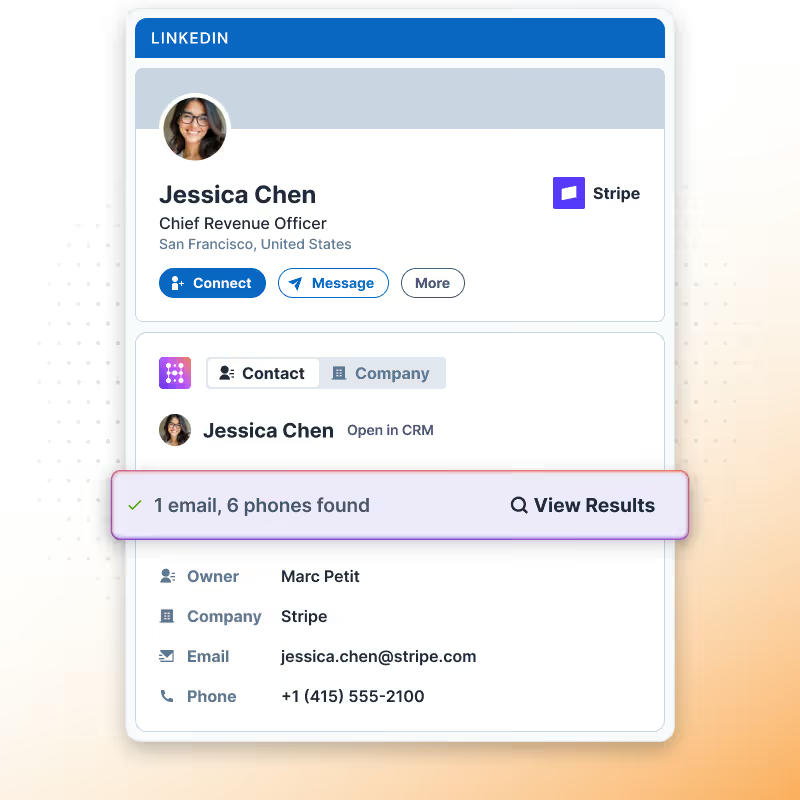
HubSpot’s and Salesforce's Top Sales Navigator Integration
Boost Sales Navigator with Hublead, add leads to HubSpot or Salesforce in one click, enrich contacts, and sync data seamlessly.

Spend more time selling and less time updating your CRM
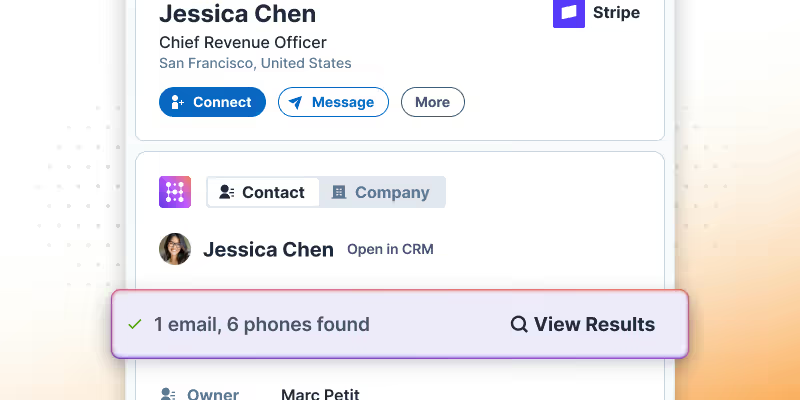
Find accurate email addresses and phone numbers for any lead on LinkedIn
Enrich any LinkedIn or Sales Navigator profile with accurate emails and phone numbers, then sync them to HubSpot with one click.
Learn more
Sync connection requests and DMs to HubSpot
Import contacts with one click, sync every DM and InMail, and automatically track connection requests between your CRM and LinkedIn.
Learn more

Scale your outbound with message templates
Save time with message templates for DMs and InMails. You can even personalize them with LinkedIn data and your CRM contact properties.
Learn more
Goodbye tab-switching, hello prospecting
Hublead was built for sales reps who want to spend more time prospecting and less time managing different tools.
Keep your CRM clean
Keep all prospect in HubSpot or Salesforce for complete context
75%
more meetings booked
Enrich leads in seconds
Enrich individual contacts or an entire list in seconds
95%
accurate and up-to-date information
Track LinkedIn activities
Track message response times and follow-up effectiveness
2+
hours saved every week
HubSpot LinkedIn Chrome Extension
Frequently Asked Questions
See HubSpot data on LinkedIn, no need to switch tabs every time you're landing on a prospect.
Does Hublead work with LinkedIn or Sales Navigator?
Hublead works with both LinkedIn and any Sales Navigator subscription.
Is there a limit to how many contacts I can sync.
No. You can sync as many contacts from LinkedIn as you’d like.
Does Hublead de-duplicate contacts when importing them from LinkedIn?
Yes. Hublead automatically de-duplicates contacts you import from LinkedIn.
Can sales reps update HubSpot directly from LinkedIn?
Yes. Reps can edit, enrich, and follow up from LinkedIn without switching tools.
Can I customize the HubSpot properties that appear on LinkedIn?
Yes, you can add additional HubSpot properties that you’d like to be able to see/edit on LinkedIn.
Does Hublead work with other CRMs or just HubSpot?
Right now, Hublead just works with HubSpot. But stay tuned as we plan to sync LinkedIn with more CRMs soon.