The 5 best HubSpot SMS integrations
Looking to integrate SMS into your outbound strategy? Here are the best SMS integrations for HubSpot.
Do you know why I love SMS?
It’s not because text messages are “less scary” than making cold calls. It’s because SMS is a highly personalized channel that works wonders for getting the attention of prospects. And everyone knows that the better you are at (respectfully) getting someone’s attention, the better your chances of starting a conversation.
There’s just one small problem: HubSpot’s SMS functionality is… not great.
In this guide, I’ll walk you through how to send SMS messages through HubSpot, my favorite integrations, and how to integrate SMS into your outbound strategy.
Why use an SMS integration with HubSpot
HubSpot has native support for SMS messaging, so why bother with an integration?
Well, HubSpot, being the “anti-spam CRM,” built its SMS features for marketing and not for sales. HubSpot’s native SMS is only available if you have Marketing Hub Pro or Enterprise, and you can only send SMS to contacts who have opted in to receive text messages. You also need the Marketing SMS add-on.
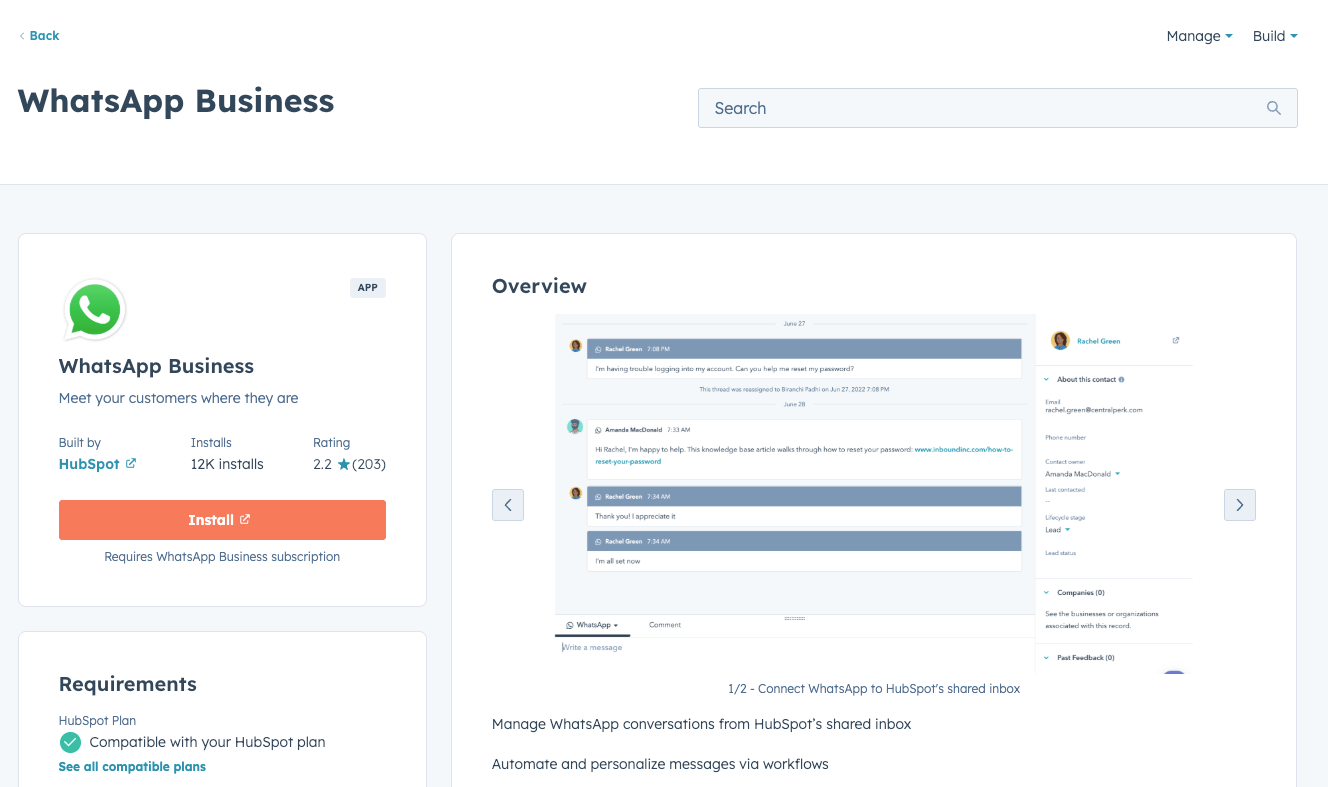
That said, HubSpot does have a WhatsApp integration, which is more flexible for sales use.
But as you can see from its 2.2-star rating, the integration gets little love from sales reps. Most people complain that the integration doesn't work, is inflexible, and has a ton of issues getting connected to HubSpot in the first place.
If you’re going by HubSpot’s baked-in functionality, that leaves sales teams left out in the cold, sending SMS messages from their phones and manually copying notes onto contact records.
Fortunately, there are plenty of SMS integrations I’ll share next that you can use.

Ready to fix your outbound process?
My 5 favorite HubSpot SMS integrations
When I’m feeling a bit lazy, I just load up iMessage on my computer and fire off a text. But if I want a record of the texts I send to prospects in my CRM (which should be the case every time), I use one of the integrations below:
- Salesmsg
- Heymarket
- Sakari SMS
- TrueDialog
- Aircall
Salesmsg
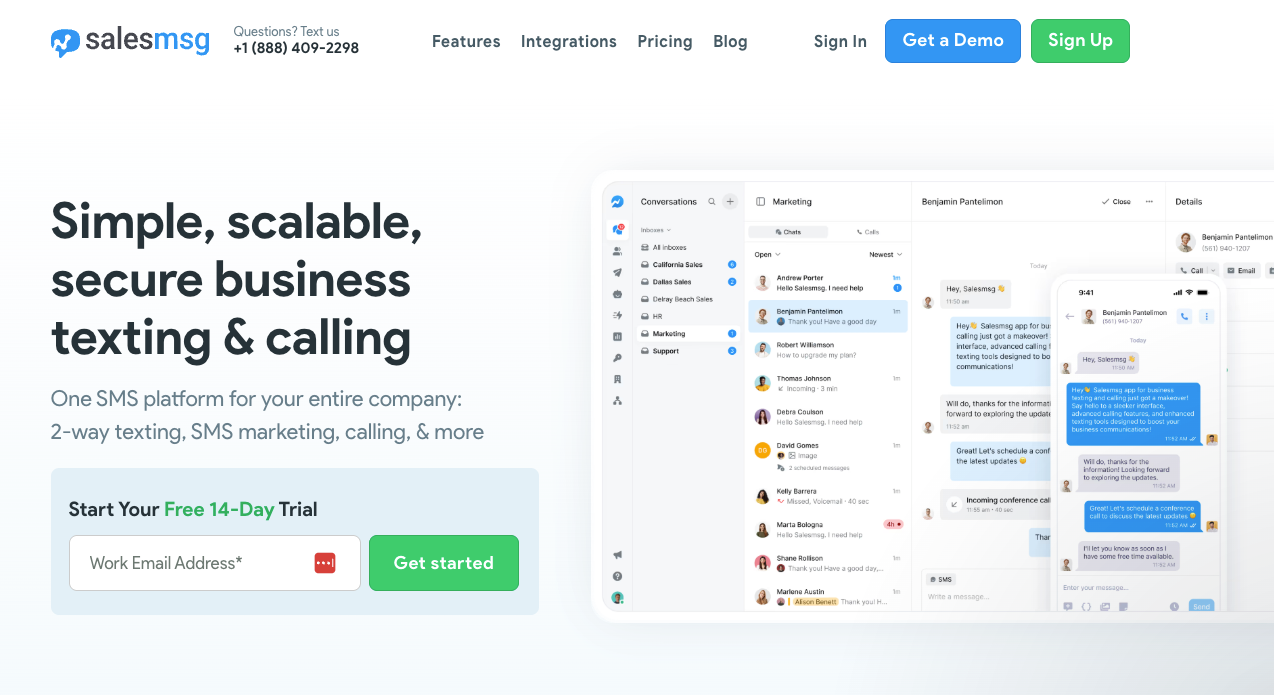
Salesmsg is a popular choice for sales teams to both text and call prospects.
The neat thing about Salesmsg is that it is a bi-directional SMS and calling platform. That means you can send and receive texts; you can also text contacts one-to-one directly from HubSpot, send mass SMS broadcasts to HubSpot lists, and automate SMS campaigns triggered through HubSpot workflows.
Salesmsg includes features like Power Dialer for high-volume calling, AI Agents for automated conversations, customizable app cards for quick messaging, and round-robin assignment to ensure inbound responses don't go unnoticed.
In short, if SMS is a big part of your outbound process, then Salesmsg is a good tool to use.
Heymarket
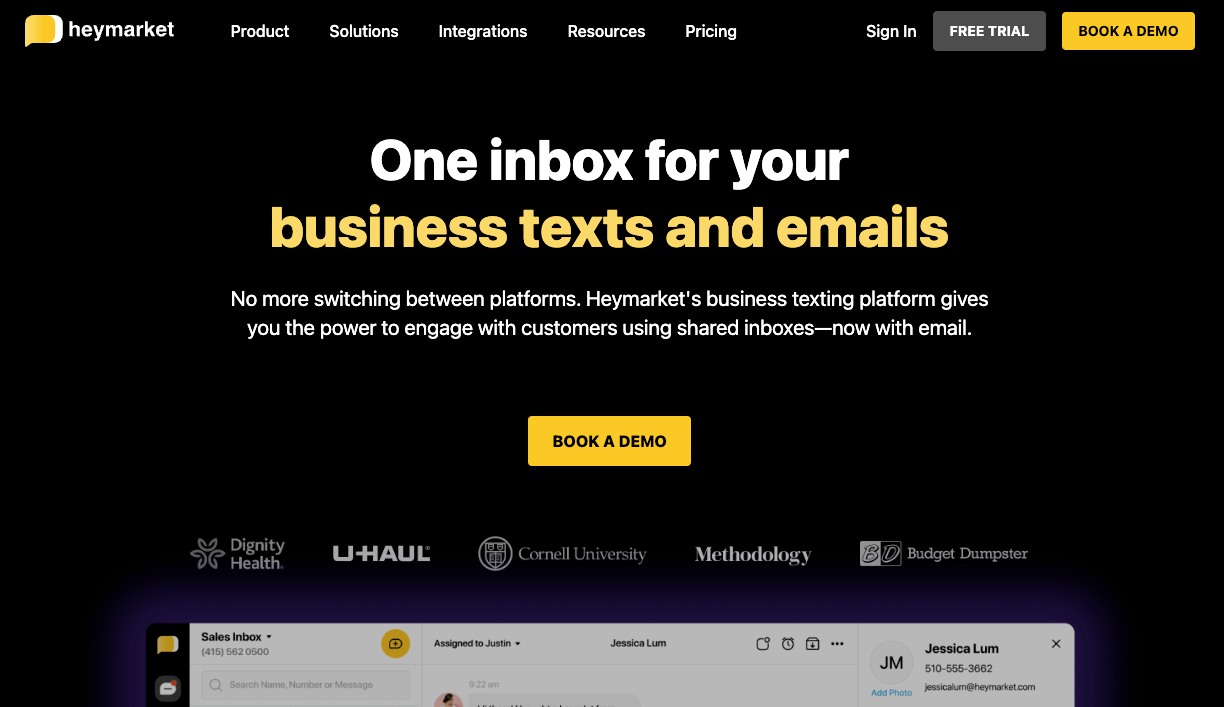
Heymarket is a powerful option if you want to send emails and text messages together in your outreach campaigns.
Like Salesmsg, Heymarket offers two-way texting with a shared inbox, allowing your team to collaborate while giving visibility to sales managers. Heymarket also supports automated SMS workflows that trigger based on HubSpot form submissions or lifecycle stage changes, and syncs contacts and conversations in real-time, giving you an up-to-date and accurate record of communication on every contact record.
All super helpful for sales teams that send high volume and need to move fast while keeping their CRMs up to date.
Sakari SMS
For global sales teams, Sakari SMS is the top choice. It supports messaging across 200+ countries and includes built-in GDPR compliance features for managing opt-ins and opt-outs.
Like the others on this list, Sakari supports one-to-one conversations from HubSpot contact records and automated text messaging through HubSpot workflows, allowing you to send texts based on all kinds of triggers. If you’re running outbound at scale, automation is going to be key to the success of your sales process.
TrueDialog
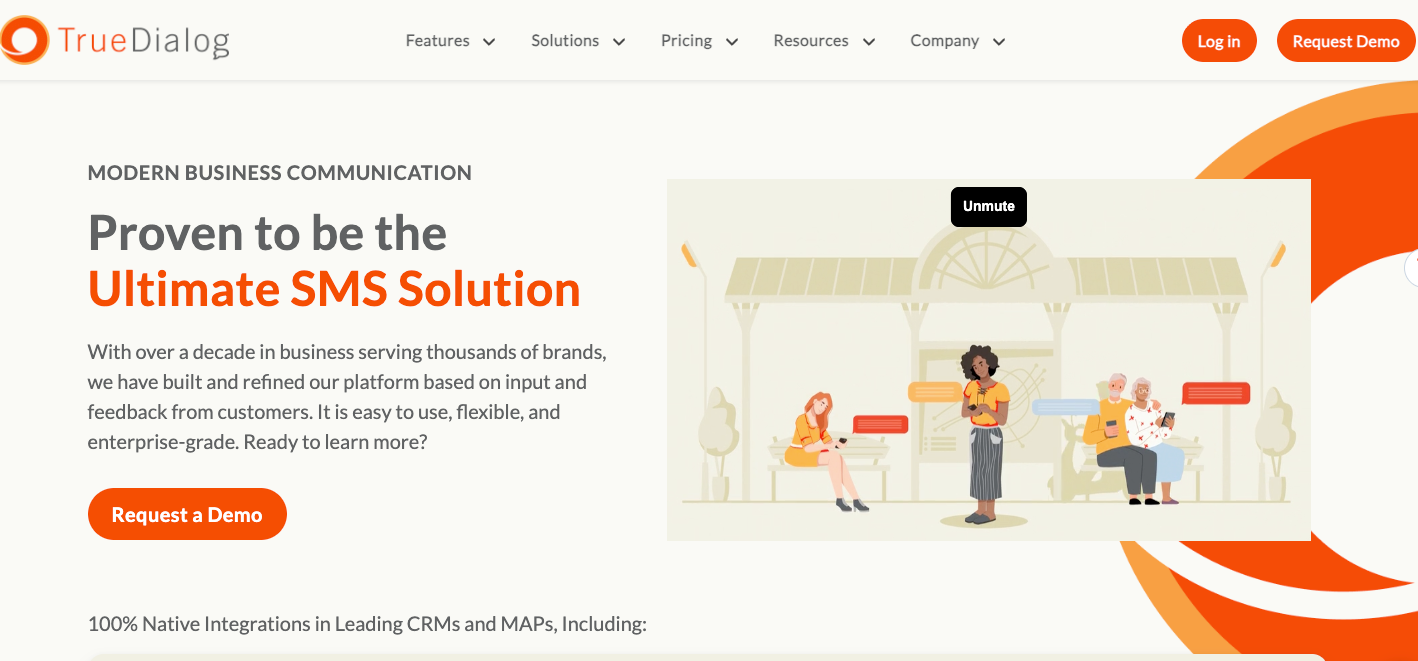
TrueDialog is the more enterprise-y option on this list.
It’s best for sales teams doing high-volume messaging and sales prospecting. You can send one-to-one and mass SMS messages to prospects, send directly from HubSpot or schedule texts, and trigger automated messages with HubSpot workflows.
I like how TrueDialog integrates directly without any third-party connectors or technical setup, and it offers plenty of reporting tools allowing you to track message delivery, engagement, and campaign performance. That said, it’s the most advanced and expensive tool on this list, so it may not be for everyone.
Aircall
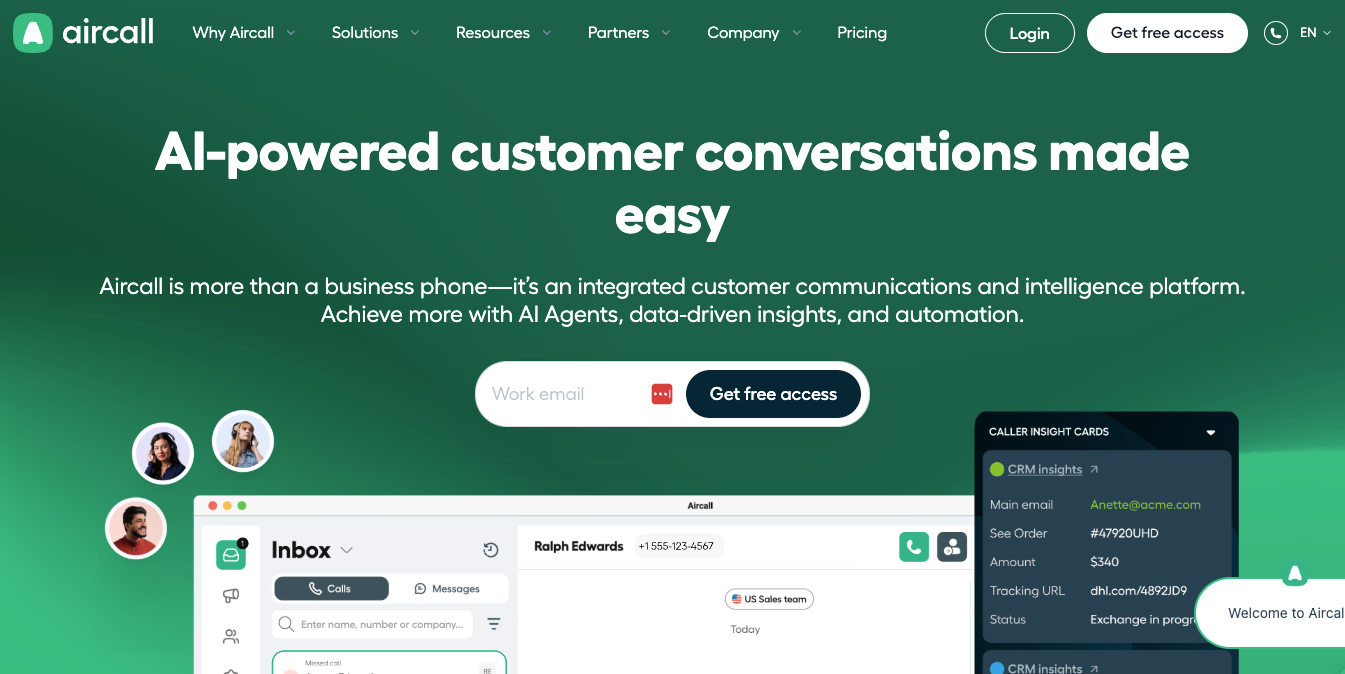
OK, Aircall is mainly a calling platform, but it offers SMS features that sync to HubSpot, so it made it on this list.
Aircall automatically logs calls and SMS messages to HubSpot contacts, deals, and tickets, with complete call data (including call length, recording, transcript, and outcome).
I’ll admit that Aircall’s SMS features are the weakest on this list, though. Aircall doesn’t work well with HubSpot workflows, and the reviews for just the SMS functionality are mixed. Still, if you are primarily calling and want a power dialer with some SMS capabilities, Aircall is a good option.
What about messaging on LinkedIn? Try Hublead
Like I’ve said, SMS is a great way to get the attention of your prospects, but it’s not the only way.
The best sales reps I’ve ever met weren’t those who mastered one channel. They were the reps who knew how to combine channels to their advantage. I mentioned that I like to send an SMS after making a call, but my other favorite channel to fold in isn’t email, it’s LinkedIn.
I love LinkedIn because it allows you to:
- Put a face to your outreach
- Build social proof through your connections in common
- Demonstrate thought leadership
And it allows all kinds of ways to build touchpoints with prospects. HubSpot’s LinkedIn integration is limited, but that’s where a tool like Hublead comes in handy.
We built Hublead to seamlessly sync our outbound process to HubSpot. With Hublead, you can:
- Import contacts with one click
- Sync connection requests, DMs, and InMails
- Report on invitations sent and accepted
And that’s just the start. You can even trigger automations, segment contacts by LinkedIn activity, and enrich lists with accurate email addresses and phone numbers. That’ll be super-useful for finding numbers to send all those SMS messages to.
SMS outbound best practices
Before you install one of those integrations and fire off text messages like there’s no tomorrow, I recommend taking a step back to think strategically about where SMS fits into your outbound strategy.
Trust me, the 15 minutes of brainstorming here are well worth the effort.
In sales, every touchpoint matters, so make sure that your texts slot in with your other channels. My favorite types of SMS messages to send fall into these buckets:
- Double down on another channel: If you left a voicemail, send a text as well. By doubling down on multiple channels, you almost guarantee that you’ll be noticed. Whether your prospect responds depends on the effectiveness of your message.
- Trigger based on action: HubSpot gives you a TON of ways to trigger based on high-intent actions. If a prospect you are nurturing visits your pricing page, signs up for a trial, or tests out a sandbox, you can use the above integrations with Workflows to send a timely message.
- Pattern interrupt: Sometimes the key to being noticed is simply breaking expectations. Today’s prospects are inundated with bland, generic sales messaging. By combining SMS with your other channels, find a way to stand out from a sea of AI-generated boring content and earn your prospect’s attention.
And here are a few best practices that will improve your odds of success.
- Use SMS alongside, not instead of, other channels: Like I said above, SMS shouldn’t replace other channels like calling, email, or LinkedIn. You should use SMS alongside other channels. I’ll make a call, leave a voicemail, and send a text, all in a matter of minutes, to get someone’s attention.
- Be persistent, but respectful: People get busy, and responding to your outreach is far from the top of someone’s to-do list. Persistence is what wins in sales, but don’t blow up someone’s phone just to get a response. Send a text, make a call, interact with them on LinkedIn… whatever it takes to stay engaged and top of mind.
- Pay attention to your data: I don’t know about you, but sending SMS after SMS day in and day out sounds pretty miserable. Improve your odds of success by paying attention to your data. Take note of what works and what doesn’t, and share the results with your team.
Bear the above in mind, and you’ll stand a better chance of making a good impression and earning the attention of your prospects. Do that day in and day out, and your calendar will be filled with meetings.
Level up your outbound process with the HubSpot Outbound Handbook
When done well, SMS is one of the most effective ways to land in front of your prospects and start a conversation. But sending SMSs is just one piece of an effective outbound process.
If you really want to level up your sales process in HubSpot, download the free HubSpot Outbound Handbook, our guide to building a scalable and effective outbound process in HubSpot. In this guide, we cover:
- The channels to use
- How to get the attention of your prospects
- The tools you should use to speed up sales
And more! Click the button below to get it for free and start scaling your outbound process in HubSpot.
Ready to fix your outbound process?
Frequently asked questions
Can you send SMS messages through HubSpot?
You can use WhatsApp for sales SMS messaging or integrations like Salesmsg, Heymarket, Sakari SMS, or TrueDialog.
What is the best way to find accurate phone numbers for contacts in HubSpot?
The best and most accurate way to find prospect phone numbers in HubSpot is to use a data enrichment tool like Hublead. Hublead can enrich a list of contacts with emails and phone numbers with 95% accuracy!
.avif)