

13 must-have integrations for HubSpot Sales Hub
HubSpot is a great CRM, but with the right integrations, you can level up your outbound process. In this guide, we share our 13 favorite HubSpot integrations.
I’ve been a HubSpot power user for nearly a decade; there's just no better platform that unites sales, marketing, customer support, and your website the way HubSpot does. With buying cycles longer than ever and customer journeys more fragmented than ever, sales teams need the entire picture.
But I’ll be the first to admit that HubSpot can’t do everything on its own. The phrase, “a jack of all trades, but a master of none,” comes to mind.
But that’s where its extensive app ecosystem is so useful for sales reps, enhancing their CRM experience and supporting their sales processes. In this guide, I’ll share my favorite integrations for HubSpot that I recommend you add to your stack.
The 3 best prospecting and lead generation tools for HubSpot
HubSpot is great as a CRM, but it requires you to have already done the hard work of identifying and sourcing leads to target.
When you sign up for HubSpot, it’s just an empty database, which is where the following prospecting and lead gen tools are key:
- LinkedIn Sales Navigator
- Apollo
- Hublead
LinkedIn Sales Navigator
There are few better tools out there for B2B sales reps than LinkedIn Sales Navigator. Regular LinkedIn is great on its own, but with Sales Navigator, you can:
- Build highly targeted lead lists
- Watch job changes and promotions
- Build personalized feeds based on your lists
One of the most underrated features, in my opinion, is the job change alerts. If your champion leaves or a company hires someone in your target role, you will know immediately. That kind of timing can completely change your pipeline strategy. Once you've built that targeted list in Sales Navigator, our playbook on turning Sales Navigator searches into HubSpot lists and sequences covers how to push it into HubSpot and enroll it in sequences without manual copy-paste.
That said, there’s a limitation to be aware of. The native HubSpot Sales Navigator integration requires Sales Hub Enterprise and the highest LinkedIn plan, making it less accessible for smaller teams. If you can afford it, though, it’s a worthwhile integration to add.
Apollo
If you want a tool that allows you to build massive, targeted lists of prospects, enrich them with contact info, and even spot your website visitors, then there are few platforms better than Apollo.
Apollo gives you access to millions of contacts, emails, direct dials, and fast list building. It can even suggest prospects based on your track record and engagement data.
That said, its database quality can vary by region or industry, and users often go back to LinkedIn after exporting a list to manually verify profiles. Plus, Apollo has a tendency to duplicate companies, potentially giving you more busywork than it's worth.
Hublead
Alright, I’ll be transparent: I co-founded Hublead, but I’m including it because we built it to solve a very common problem for sales reps: finding and saving leads from LinkedIn to HubSpot.
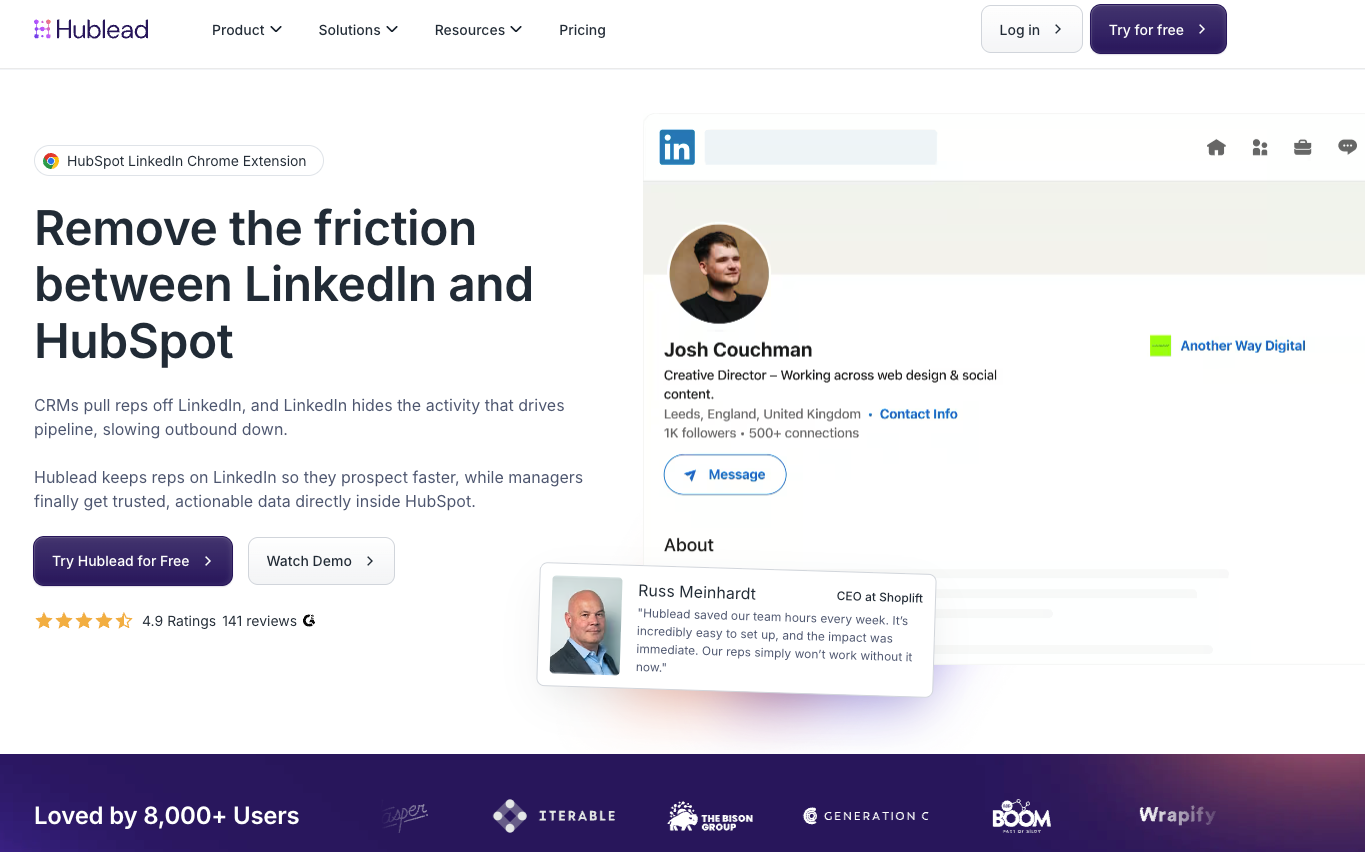
Hublead lets you connect your LinkedIn account directly to HubSpot and sync everything seamlessly. That means, with one click, you can:
- Import contacts
- Sync DMs
- Sync invitations
- Enrich records
All in seconds. And the best part is, Hublead works with any HubSpot, LinkedIn, or Sales Navigator plan.
The best lead qualification tool for HubSpot
I’ve got just one tool for you here: ChiliPiper.
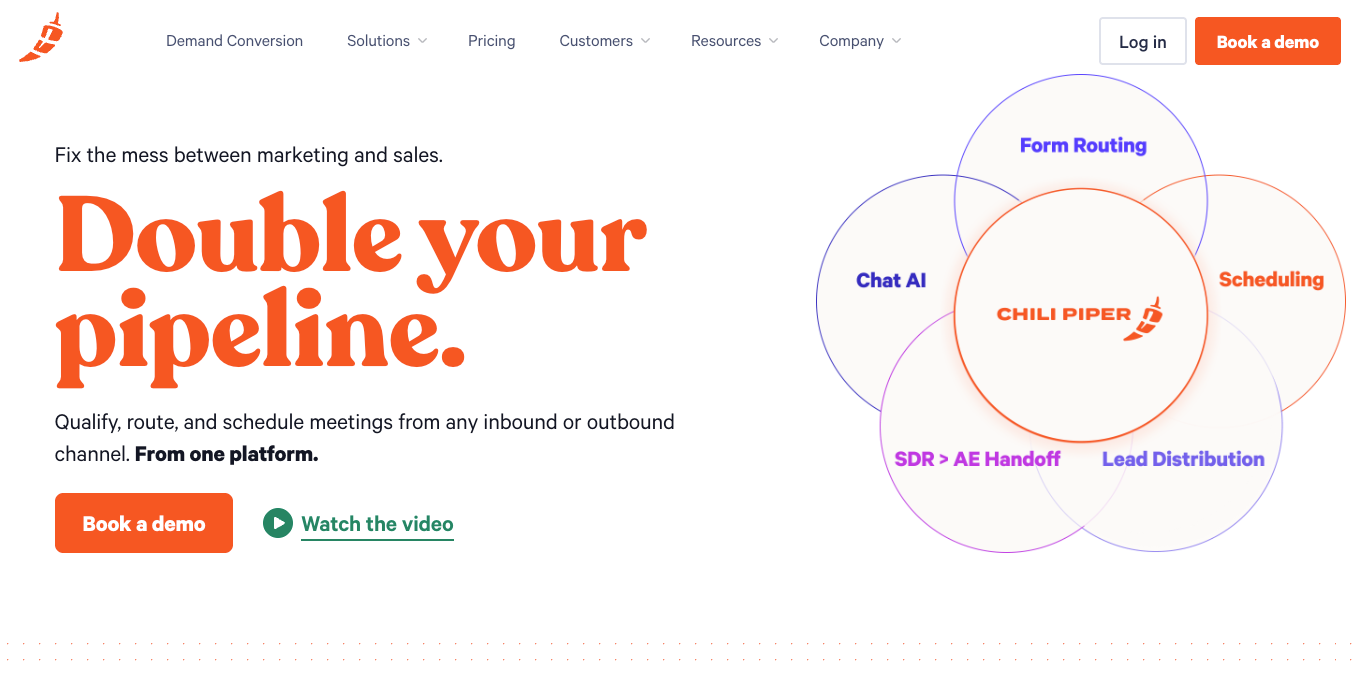
ChiliPiper is a lead qualification and routing tool that allows you to assign inbound leads based on territory, deal size, language, or any custom rule. Lead routing is less of a big deal when you operate a team of one or five. But for large sales teams that have a more complex setup, it’s essential. My rule of thumb is that if your team has more than 20 reps, ChiliPiper is a must-have. If you have less than that, or simple routing needs, then HubSpot’s native meeting scheduler is often sufficient; that's what I use every day, and frankly, it is well enough for 90% of sales teams
The 3 best first contact tools for HubSpot
Once you’ve found and qualified prospects, it’s time to run some outbound campaigns.
HubSpot is a fantastic platform for multichannel outbound, but I find some of its base features leave a little to be desired when running cold campaigns.
When I want to really dial in cold campaigns, I like to use the following integrations:
- Aircall
- Orum
- Salesmsg
Aircall
Cold calling is alive and well, and if outbound calling is central to your strategy, then Aircall is a must-have.
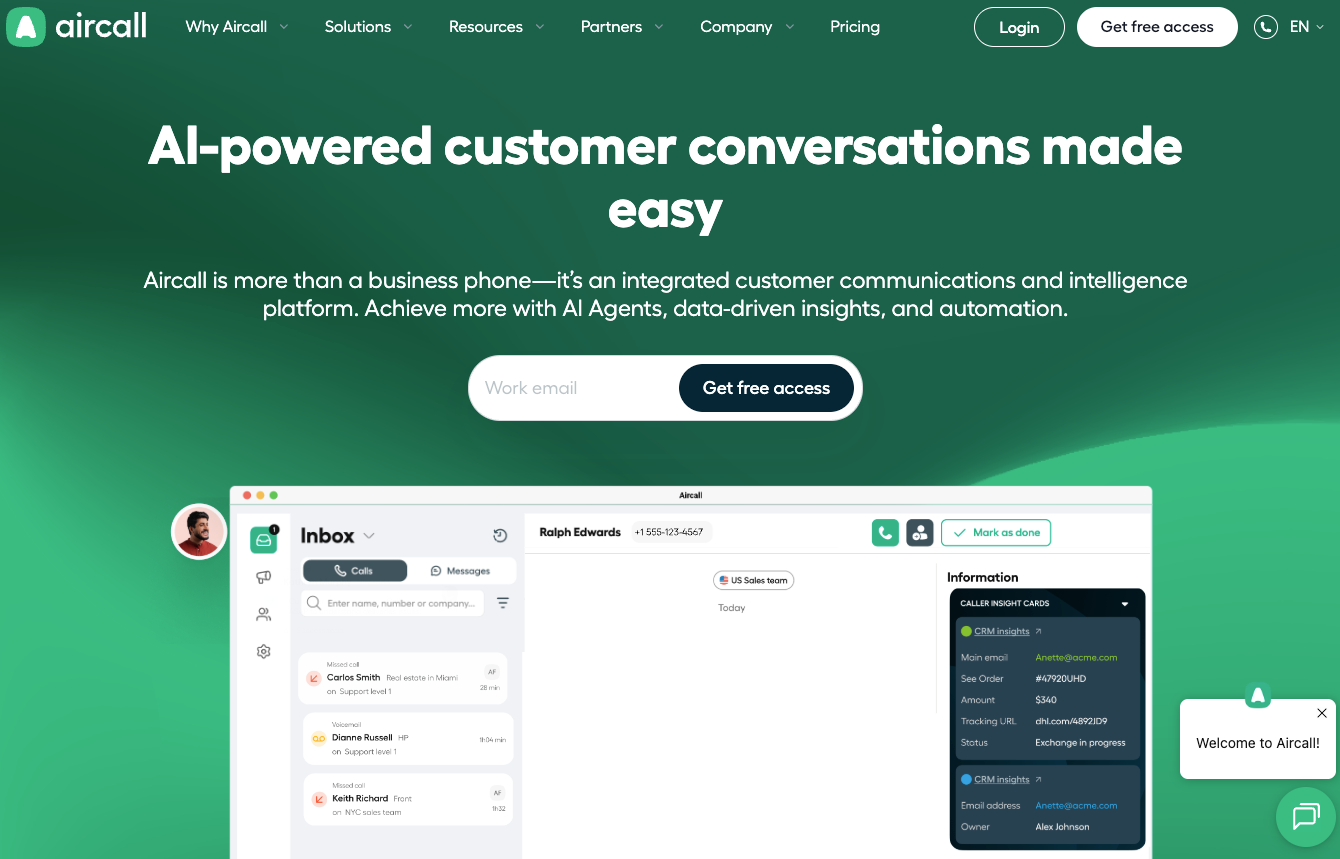
Aircall provides local business numbers in more than 100 countries, click-to-call functionality directly from HubSpot, automatic call logging, and live whisper coaching for managers. That last feature is extremely useful for training sales reps in real time. Aircall can also be used for customer support, making it a great platform for post-sale activity.
Orum
Running outbound calls at high volumes? Good on you, try Orum.
Orum is a tool for parallel dialing, meaning it can call 5 to 10 numbers at once and connect you only when someone answers. If you run outbound at scale, this is an absolute must to hit your numbers and reach live prospects. Orum also includes AI voicemail drops, which can be handy for freeing you up from dead ends when trying to reach prospects.
That said, this is primarily relevant to high-volume outbound teams, not smaller sales teams.
Sales msg
HubSpot’s SMS capabilities are nonexistent for sales. So if SMS is part of your strategy, then you absolutely need an SMS integration that weaves texting into your outbound campaigns. One of the best-rated is Salesmsg. The neat thing about Salesmsg is that it is a bi-directional SMS and calling platform. That means you can send and receive texts; you can also text contacts one-to-one directly from HubSpot, send mass SMS broadcasts to HubSpot lists, and automate SMS campaigns triggered through HubSpot workflows.
Salesmsg includes features like a power dialer for high-volume calling, AI Agents for automated conversations, customizable app cards for quick messaging, and round-robin assignment to ensure inbound responses don't go unnoticed. Check out my list of other SMS integrations to try with HubSpot for more options.

Ready to fix your outbound process?
The 2 best conversation tools for HubSpot
The last thing you want to do on a call with a prospect is look down at a piece of paper to write notes or type on your screen while they talk. Sure, you’ll note down the important stuff they say… but you’ll also be disengaged from the call, which can break the flow of conversation.
What’s a sales rep to do? Integrate one of the following tools to record your calls and take notes:
- Fathom
- Gong
Fathom
We use Fathom here at Hublead, and I love it for recording meetings and taking notes.
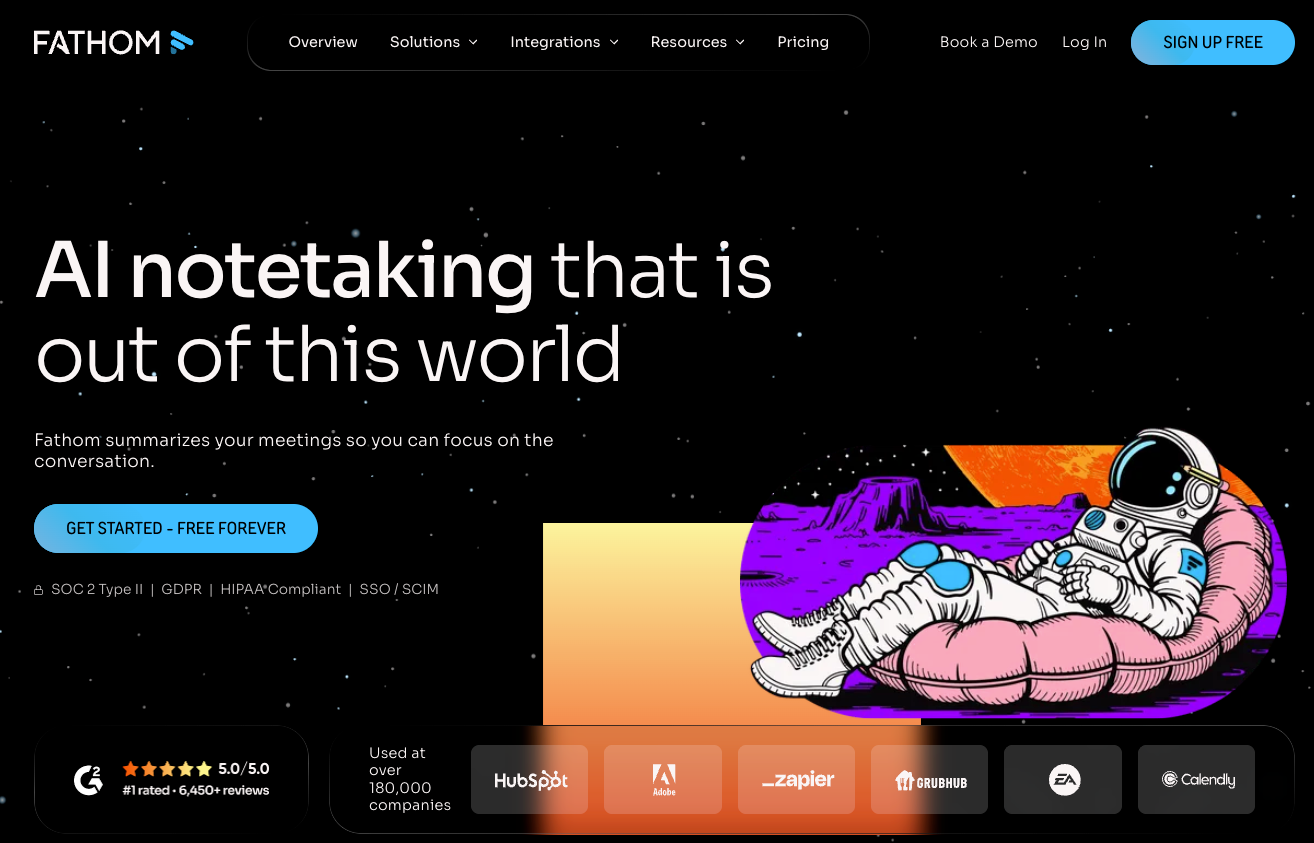
The great thing about Fathom, though, isn’t just that it records my calls and gives me a nice summary at the end of a meeting, but you can also use it to create tasks right after the call.
That means, when you get off a call, all you need to do is check the summary and your to-dos, and you are set. No stopping and thinking, no need to even watch the recording. It’s a busy sales rep’s dream.
Gong
I don’t think there’s a sales team on the planet that has not personally used, or at least heard of, Gong.
Gong records calls, transcribes them, analyzes talk ratios, and detects deal risk signals using AI. It’s a powerful tool, but it’s also expensive and best for larger, enterprise teams. If you’re running a smaller team, Fathom may be a better solution (or HubSpot’s native features).
The 2 best proposal and negotiation tools for HubSpot
You can prospect, cold call, and send LinkedIn DMs around the clock, but bad contract management can doom your sales process from the start.
Letting contracts slip through the cracks or requiring prospects to jump through too many hoops can stall negotiations. That causes inertia, and inertia can prevent even the most eager prospects from closing. Fortunately, the following are great options to beef up your contract management in HubSpot:
- PandaDoc
- OneFlow
PandaDoc
When it comes to proposals, many people recommend PandaDoc. PandaDoc lets you send proposals and collect e-signatures within HubSpot. It works, but the integration has limitations. Field mapping can be restricted, yet the workflow still relies heavily on PDFs going back and forth. It may not be a major blocker for most cases, but it could slow you down when you least need it.
OneFlow
Personally, I prefer OneFlow. OneFlow offers a native HubSpot integration that lets you pull any HubSpot property, including custom fields, directly into your contracts. Both parties can edit contracts in real time, eliminating the traditional PDF ping-pong. The user experience is also clean and modern, which makes negotiation smoother. At least, that’s my hope!
Check out our guide to contract management in HubSpot for more tips and tools.
The 2 best integrations to connect LinkedIn and HubSpot
I know I mentioned it earlier, but it’s worth saying again: LinkedIn is, without a doubt, the best prospecting channel available to sales reps today.
There is no single channel that allows you to:
- Build targeted lead lists
- Research prospects
- Watch for trigger moments
- Engage via comments, DMs, and video
- Demonstrate thought leadership and social proof
If you’re going to connect LinkedIn to HubSpot as a prospecting channel, you absolutely need one of these integrations:
- Hublead
- LinkedHub
Hublead
If you prospect on LinkedIn, then you absolutely need a way to sync your connection requests, DMs, and contacts back into HubSpot.
And that’s exactly why we built Hublead. With Hublead, you can:
- Import contacts with one click from LinkedIn
- Sync and de-duplicate contacts on LinkedIn
- Import DMs and InMails
- Save templates for LinkedIn outreach
And so much more! Sales reps save 2+ hours each week thanks to Hublead because they don’t need to constantly switch tabs between HubSpot and LinkedIn, all the while letting valuable touchpoints slip through the cracks.
Here’s what one happy user has to say:
I like how easy Hublead is to use, especially since it's an extension in Chrome. This really makes it simpler for our sales team, allowing them to spend less time on the administrative side and more time on actual selling and prospecting. The initial setup was also very easy, which was a big plus for us.
LinkedHub
LinkedHub is another tool that connects LinkedIn with HubSpot, offering basic contact syncing and message logging between the two platforms.
While it covers some of the core functionality you'd expect, users have reported a more limited feature set compared to other options on the market. It can handle simple contact imports but may fall short in more advanced capabilities, such as template management, deduplication, and seamless two-way syncing (Hublead does all this, by the way).
If you're just getting started with LinkedIn prospecting and need a lightweight solution, LinkedHub could work in a pinch, but teams looking for a more robust, time-saving integration may find themselves outgrowing it quickly.
Level up your sales in HubSpot with the HubSpot Outbound Handbook
With a few of the above integrations, you can turn your HubSpot portal into a sales powerhouse. Remember, though, that success in outbound is less about a single magical template, striking lightning in a bottle, or having the ultimate AI tool.
It’s more about orchestrating messages and touchpoints. Identify your top prospects, choose your channels, and coordinate your touchpoints to get their attention.
If you really want to level up your sales process in HubSpot, download the free HubSpot Outbound Handbook, our guide to building a scalable and effective outbound process in HubSpot. In this guide, we cover:
- The channels to use
- How to get the attention of your prospects
- The tools you should use to speed up sales
And more! Click the button below to get it for free and start scaling your outbound process in HubSpot.
Ready to fix your outbound process?
Frequently Asked Questions
Can I integrate HubSpot and LinkedIn?
Yep! The best way is to use Hublead: Hublead syncs DMs and InMails from LinkedIn to HubSpot, giving you a complete record of all your prospecting activity on LinkedIn.
How do you add an integration with HubSpot?
Head to the App Marketplace (from the header navigation) and search for an integration you wish to add. Select it, and click “Install” from the integration page.
How much does Sales Hub Cost?
If you pay annually, Sales Starter is $9/month, Pro is $90/month, and Enterprise is $150/month. This is just for Sales, though; bundling Hubs will increase the price.
.avif)
.avif)