Reply.io vs Hublead: HubSpot and Salesforce Depth, LinkedIn Risk, Pricing 2026
Comparing Reply.io and Hublead for LinkedIn-to-CRM sync? See the real breakdown: automated sending risk, HubSpot and Salesforce depth, pricing, and which tool fits your team.
Reply.io and Hublead can both touch LinkedIn and HubSpot or Salesforce, but they're not built for the same job. One is a multichannel outbound platform that sends on your behalf. The other is a HubSpot and Salesforce-native capture layer that never sends anything. Here's the real breakdown.
Reply.io vs Hublead: The quick verdict
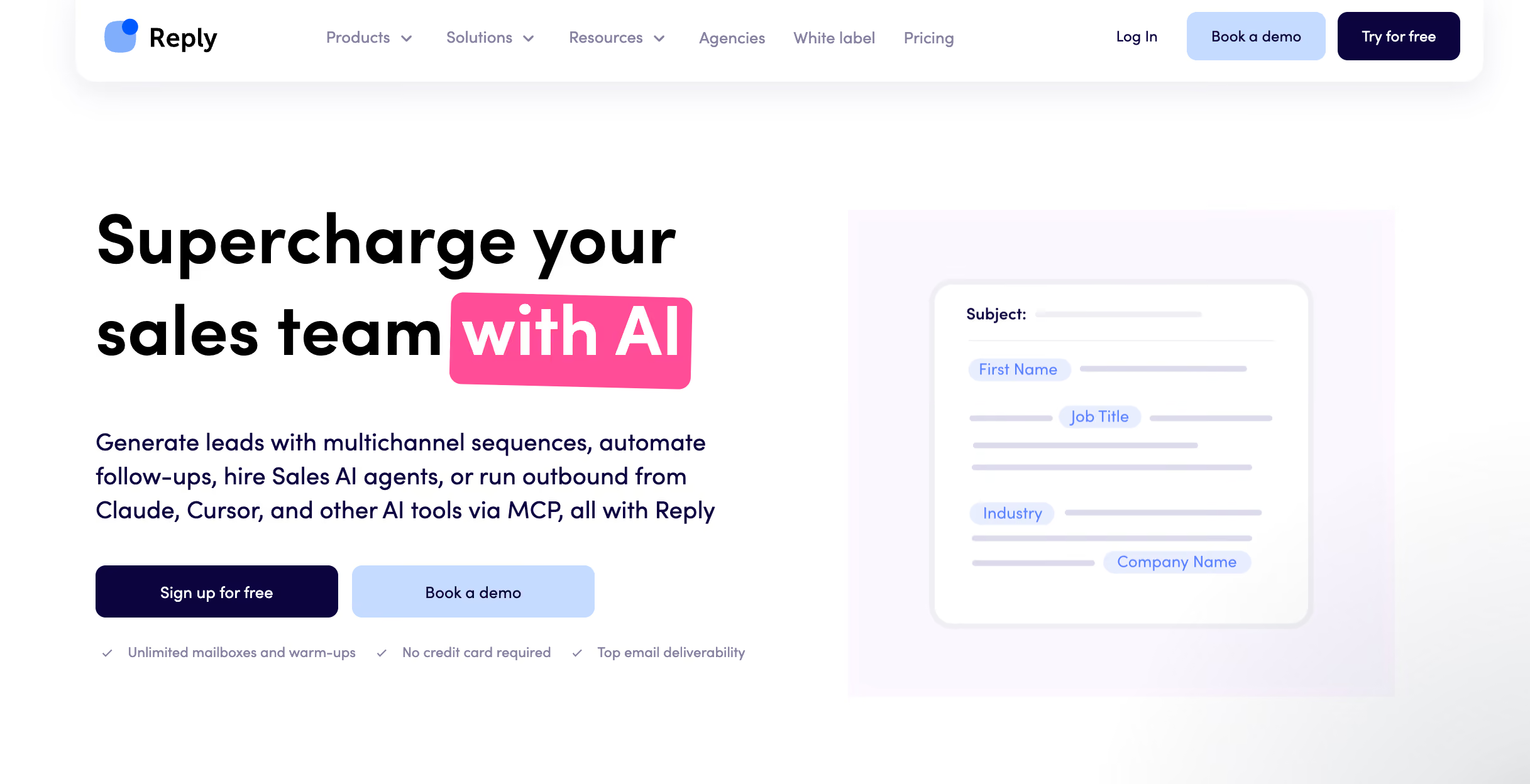
Reply.io is a full sales engagement platform: email, LinkedIn, calls, SMS, and WhatsApp sequences, plus an AI SDR that can research, write, and follow up on its own. LinkedIn is one channel among five.
Hublead does one job: it captures the LinkedIn activity your reps already do manually, enriches it, and syncs it into HubSpot or Salesforce.
The key difference isn't features; it's what each tool is optimized for. Reply.io is optimized for automating outbound volume across channels. Hublead is optimized for HubSpot and Salesforce-native depth on one channel, with none of the sending risk.
If you're comparing them, here's the real question: do you want a tool built to send messages automatically on LinkedIn, one that also happens to connect to your CRM? Or do you want a tool built around your CRM itself, one that also happens to capture what your reps do on LinkedIn?
Why look for an alternative to Reply.io?
Reply.io's LinkedIn feature is a paid add-on ($69/month per account) bolted onto an email-first platform, not something built HubSpot and Salesforce first from the ground up. It's also built to automate sending: connection requests, messages, InMails, even AI-generated voice messages, all without a rep clicking "send" on each one.
That's a different risk profile than a tool that only records what a human already did. Any tool that automates outreach at the LinkedIn-account level is exposed to LinkedIn's own limits and enforcement in a way that a read-only capture tool simply isn't.
On the HubSpot side, Reply.io treats HubSpot as one of five supported CRMs (alongside Salesforce, Pipedrive, Copper, and Close.io). Its LinkedIn sync lands in HubSpot as a generic "Contact Task," not a native activity on the timeline with dedicated properties you can build lists, reports, or workflows on.
If your team already prospects manually on LinkedIn and just needs that activity to show up cleanly in your CRM, paying $89+/month per user for a full multichannel sequencing platform to get a shallow, generic sync is buying more than you need, and less depth than you want.
Why sales teams trust Hublead to sync your CRM and LinkedIn
Zero automated sending, zero LinkedIn risk
This is the core difference. Hublead never sends a connection request, a message, or an InMail on your behalf. It only records what a rep already did by hand, visits, invites, messages, replies, as CRM activity. Reply.io's LinkedIn module is built to do the opposite: automate exactly those sends. If keeping LinkedIn automation-free matters to your team, this is the whole decision right here.
The goal isn't to replace your reps with automation, it's to give them a tool that surfaces the work they're already doing, so their effort actually turns into pipeline instead of disappearing into a browser tab.
See how Hublead's LinkedIn workflow works →
LinkedIn activity becomes real CRM properties, not a generic task
Reply.io logs LinkedIn activity as a generic HubSpot "Contact Task." Hublead writes dedicated LinkedIn activity properties, like Last LinkedIn Invitation Accepted, directly onto the contact record. Because these are real properties, you can build CRM lists, run reports, and trigger workflows off them. The flagship example: auto-enroll a contact into a HubSpot or Salesforce sequence the moment they accept a LinkedIn invite.
See how trigger automations work →
Message content lands on the CRM timeline
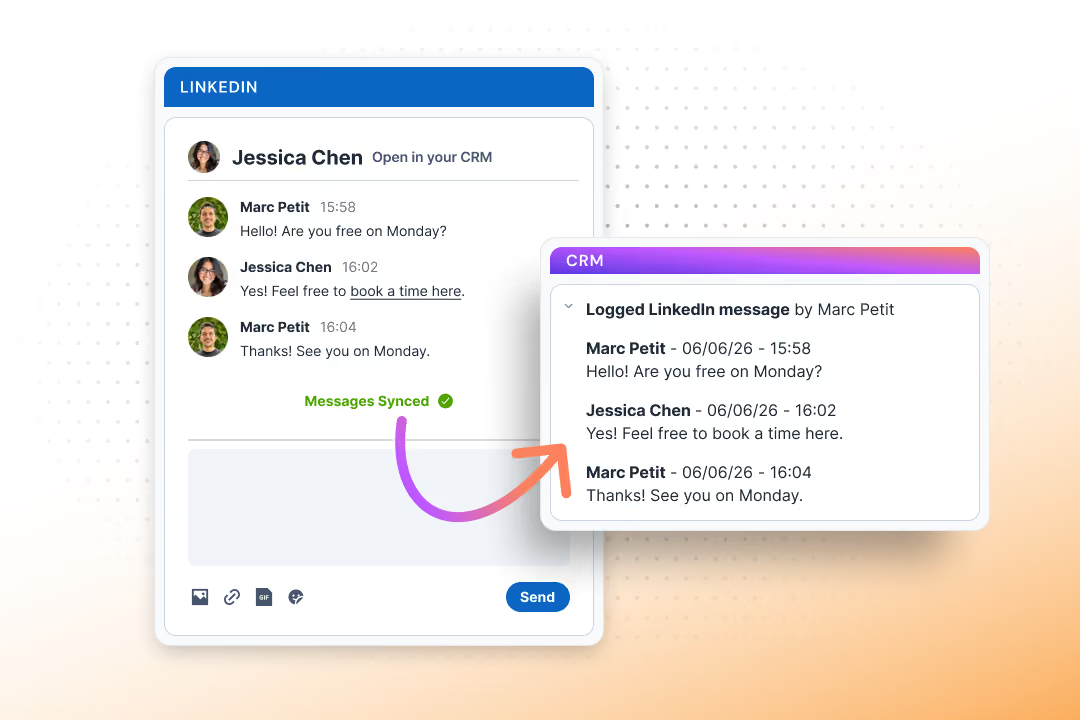
Hublead imports the actual content of LinkedIn conversations onto your CRM's contact timeline, the last 20 to 30 messages per thread, kept in sync automatically depending on your plan. It's not a generic "a task happened" log, it's the conversation itself, visible where your reps already work.
Bulk enrich any CRM list
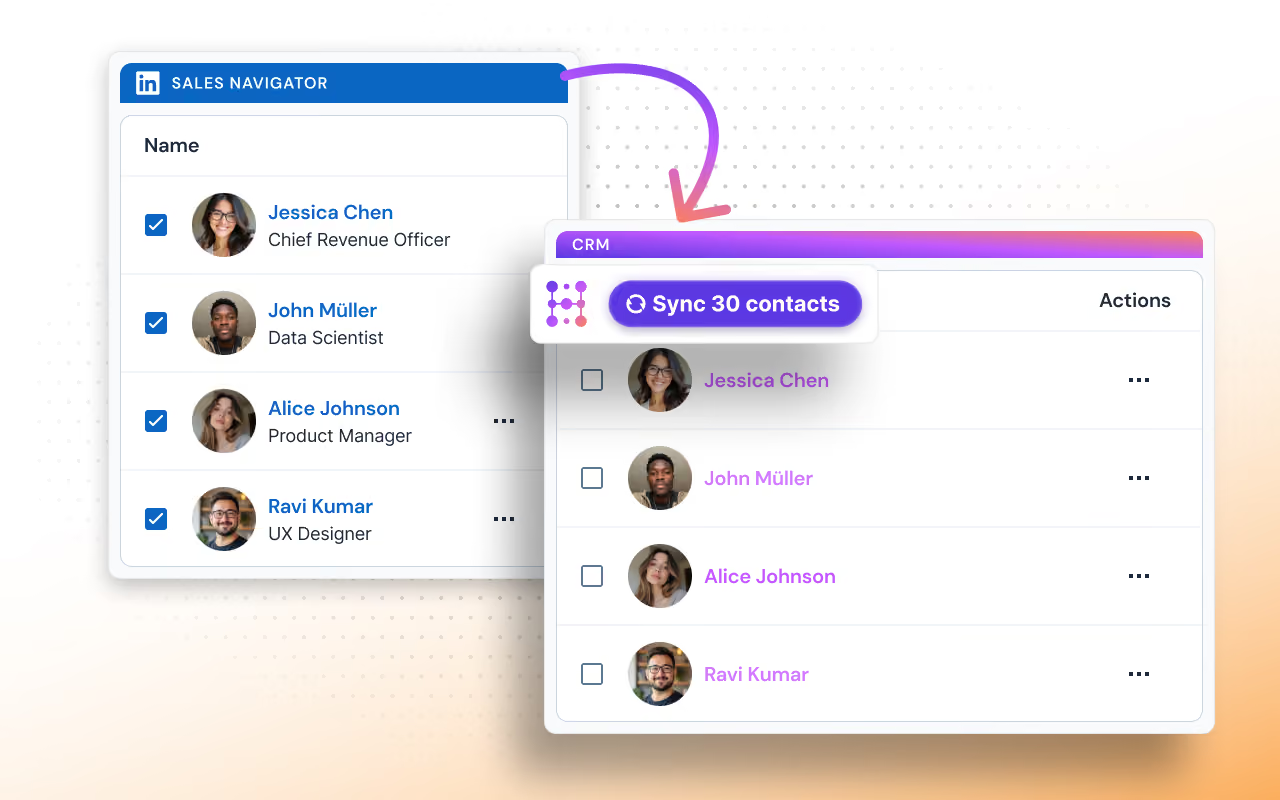
Hublead enriches an existing CRM list in bulk, in seconds, drawing on a 5-provider waterfall for email and phone data. Reply.io's data engine is built around its own contact database feeding its own sequences, not around enriching the HubSpot lists you already have.
Built for HubSpot and Salesforce
Reply.io spreads its integration depth across five CRMs. Hublead focuses on HubSpot and Salesforce by design, which means deeper field mapping and dedup logic built specifically for how these two CRMs store data (matching on LinkedIn profile URL, or first name + last name + company), not a lowest-common-denominator sync that has to work across five different data models.

Ready to fix your outbound process?
Hublead vs Reply.io: A side-by-side comparison
How to choose: Reply.io, Hublead, or both
Here's a quick breakdown by what you actually need:
Pricing: Reply.io vs Hublead
Reply.io's cheapest plan with LinkedIn included is Multichannel, from $89 per user per month billed annually (10 mailboxes, LinkedIn, calls/SMS, WhatsApp semi-automation). Its email-only plan starts at $159/month flat for unlimited users but has no LinkedIn. Adding the LinkedIn module on top of the email plan alone costs $69/month per account. Its AI SDR, Jason, starts at $500/month.
Hublead starts at $32/month per seat on the Professional plan (billed annually; $40/month billed monthly), which includes LinkedIn, Sales Navigator and Recruiter support, unlimited contact/conversation import, and enrichment. Business ($64/mo/seat annually) adds automatic message sync and LinkedIn analytics inside HubSpot and Salesforce. Scale ($112/mo/seat annually) adds live sync and a larger enrichment budget. A free Starter plan also exists for viewing CRM data on LinkedIn profiles.
For a team that only needs LinkedIn activity to land cleanly in your CRM, without buying a full multichannel sequencing platform, Hublead's entry price runs at roughly a third of Reply.io's cheapest LinkedIn-inclusive plan.
Try Hublead
If your team already prospects on LinkedIn by hand and HubSpot or Salesforce is your system of record, Hublead gives you the depth without the sending risk: no automated outreach, just clean, workflow-ready HubSpot data every time a rep visits a profile, sends an invite, or gets a reply.
Getting started takes just a few minutes: install the extension, connect your CRM account, and watch it work on your own LinkedIn profile. Try it free and see for yourself.
Ready to fix your outbound process?
Frequently asked questions
How is Hublead different from Reply.io?
Reply.io is a multichannel outbound platform that sends on your behalf across email, LinkedIn, calls, SMS, and WhatsApp, plus an AI SDR. Hublead does one job: capture what your reps already do manually on LinkedIn and sync it deeply into HubSpot or Salesforce, with zero automated sending.
Does Reply.io sync with HubSpot?
Yes. Reply.io has native HubSpot syncs covering contacts, lead status, tasks, logged emails, and LinkedIn activity. But LinkedIn events land in HubSpot as a generic Contact Task, not as a native activity with the dedicated properties Hublead writes.
Is Reply.io's LinkedIn automation risky?
Reply.io's LinkedIn module can send connection requests, messages, and InMails automatically, without a rep approving each one. Any tool that automates outreach at the LinkedIn-account level carries some exposure to LinkedIn's own limits. Hublead never sends anything automatically on LinkedIn, so that risk doesn't apply.
Is Hublead cheaper than Reply.io?
Yes. Hublead starts at $32/month per seat (Professional, billed annually). Reply.io's cheapest plan that includes LinkedIn is $89/user/month (Multichannel, billed annually), or $69/month per account if you add LinkedIn on top of its Email Volume plan.
Does Hublead work with Sales Navigator?
Yes. Hublead works with LinkedIn Free, Premium, Sales Navigator (Core, Advanced, Advanced Plus), and Recruiter, on every HubSpot or Salesforce plan.